

Print on Demand vs Made In-House: Which Is Best for Your Craft Business?
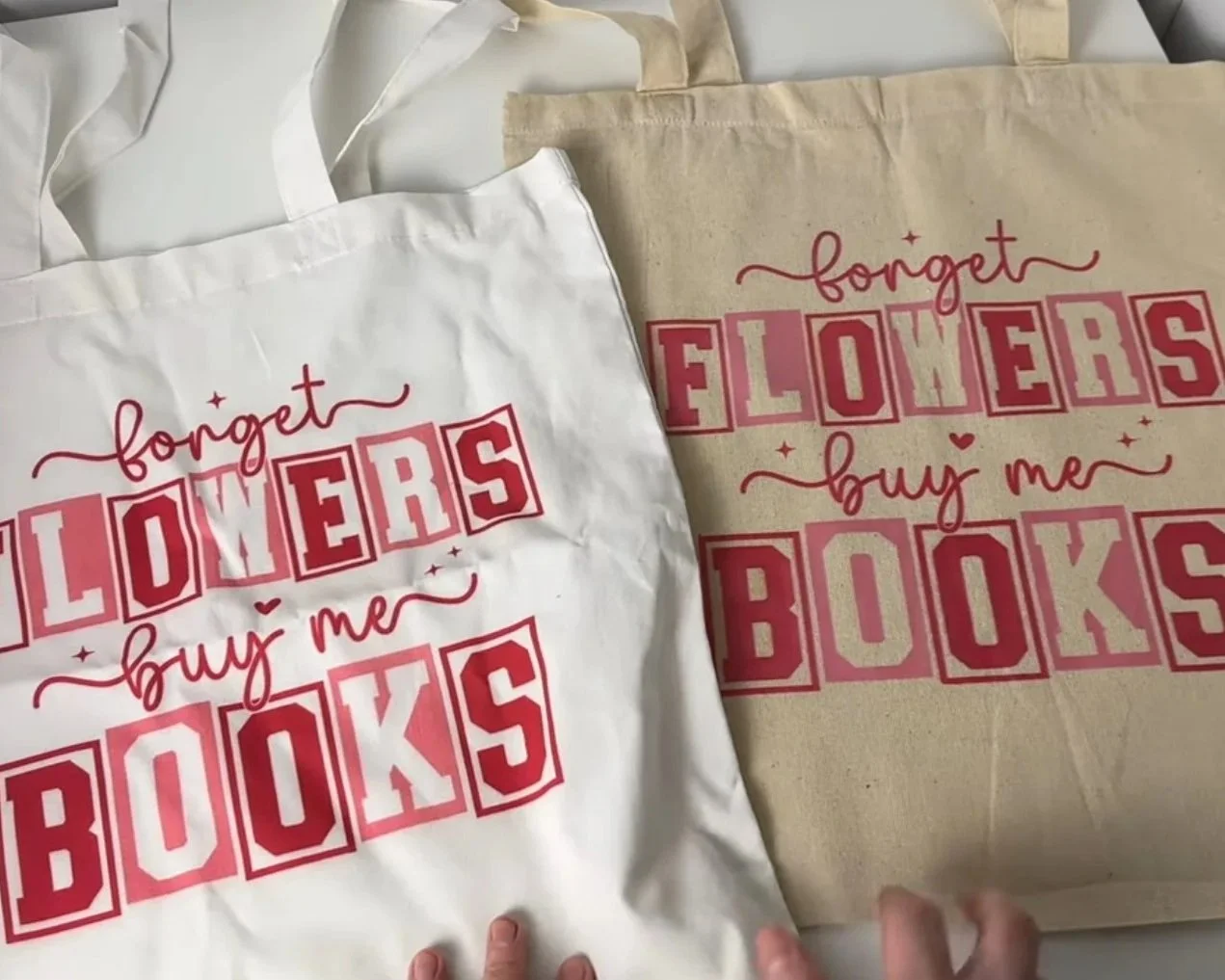
Print on demand or made in-house? Let’s compare both.
If you’re trying to decide whether to make products yourself using a cutting machine or printer, or to use a print on demand service like Printify, this post will walk you through both options step by step so you can decide what works best for your business.
I’m going to compare:
The design process
Ordering and production
Quality, side by side
Costs
The pros and cons of each option
I’ll be making one product using a Cricut, one using my DTF printer, and comparing both to Print on Demand. I’ll also include sublimation in the pros and cons section so all bases are covered.
Keep in mind: results will vary depending on the machines you own, your budget, your storage space, and how much time you want to spend making products yourself. But this should give you a solid framework to decide.
So, let’s dive in.
Continue reading below, or take a look at my video comparison:
The content below contains affiliate links and we may earn a commission if you shop through them, however this won't cost you anything, it just helps us to keep the site running for free. For more information on affiliate links, see the disclosure here.
Designing Your Products
Designing with Print on Demand
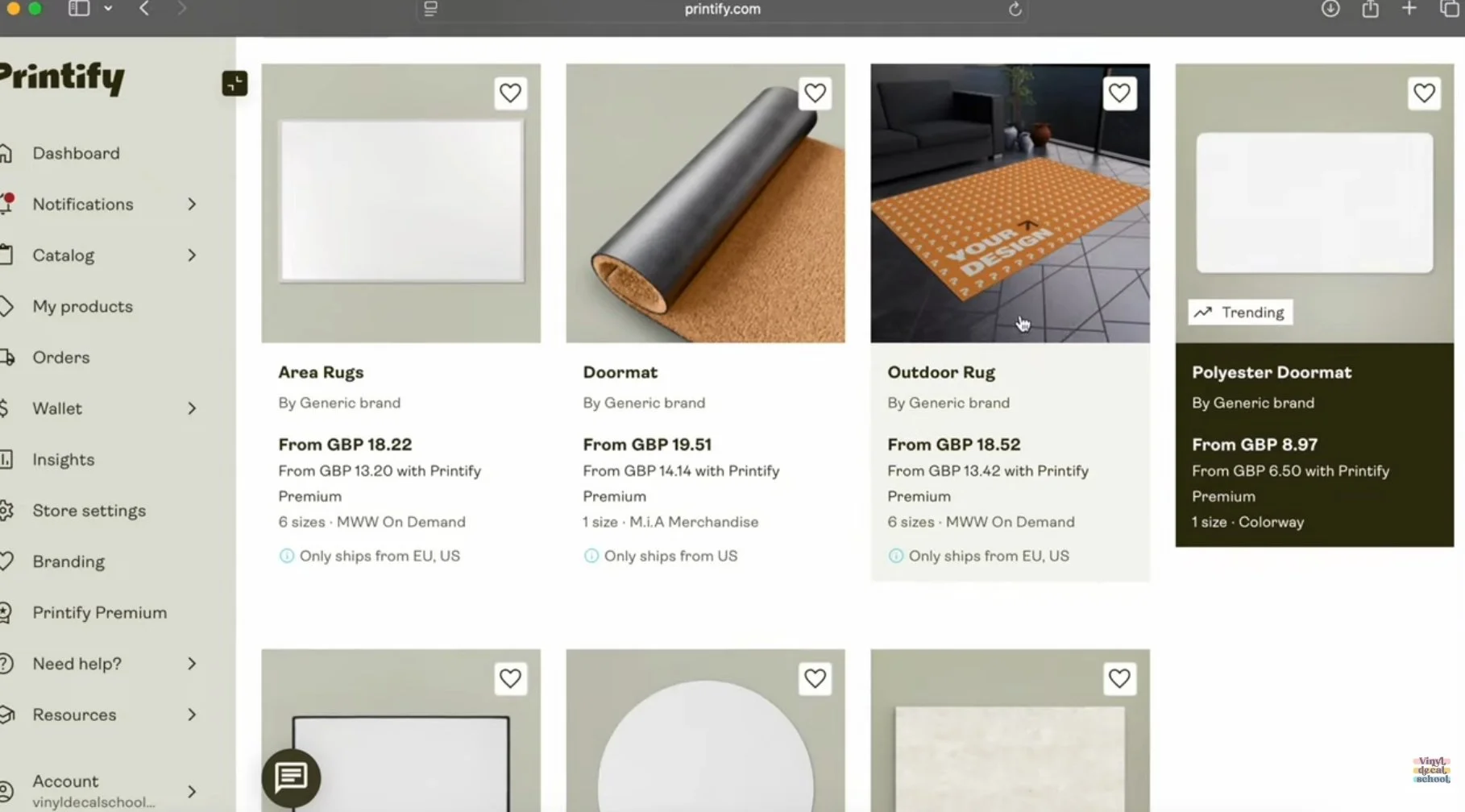
I started by browsing the Printify catalogue and selecting a print provider based in the UK so I could order samples quickly. There are plenty of suppliers to choose from, each offering different products and pricing. You don’t have to choose a supplier in your home country if you plan to sell internationally, but shipping times and costs are worth considering.
Tote Bag
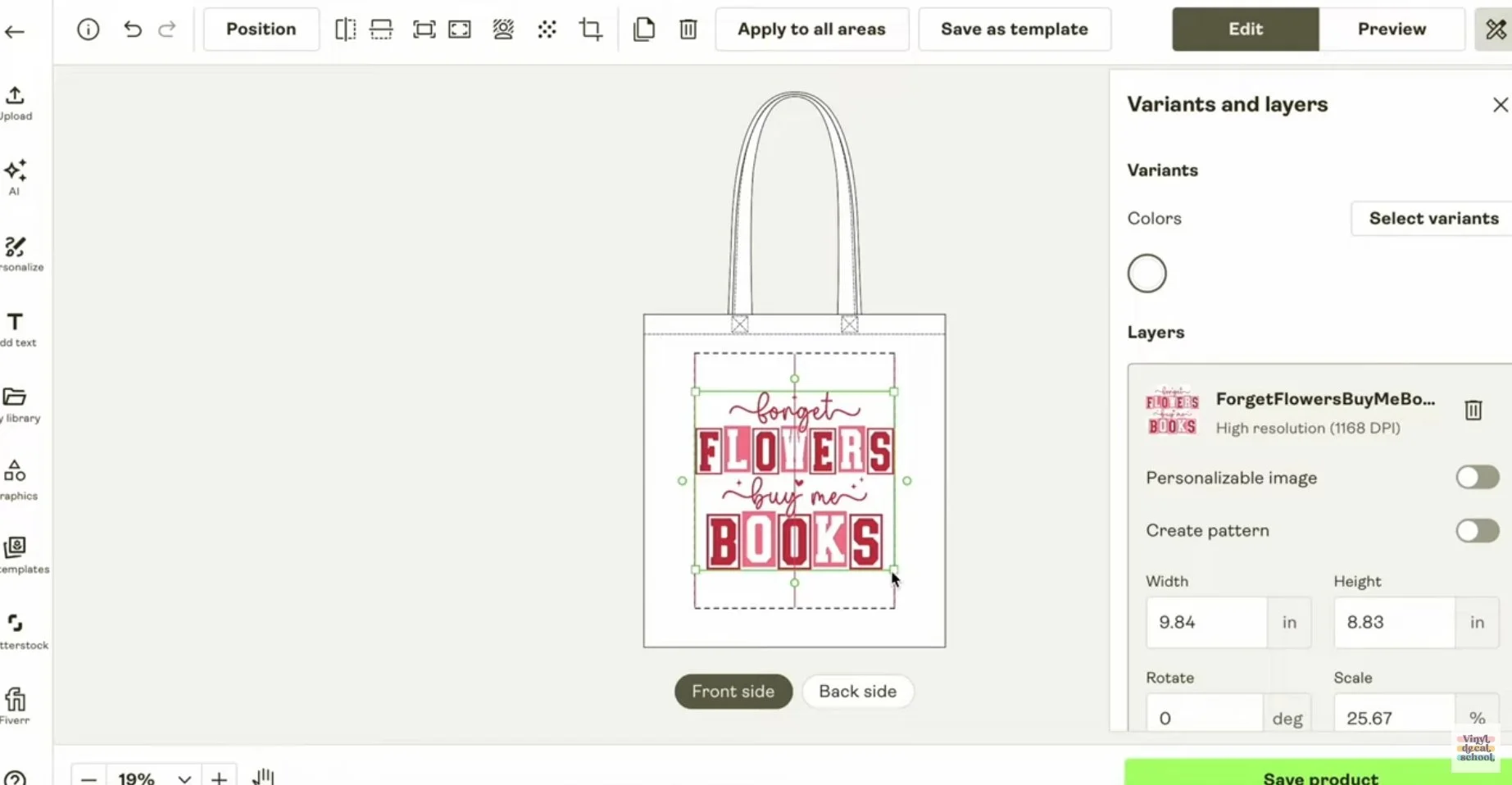
The first product I designed was a tote bag.
I used a
design from Creative Fabrica that
works well for:
Print on demand
Iron-on vinyl
DTF printing
If you’re selling via POD, you’re far less restricted in design detail — just make sure your design includes a POD usage license.
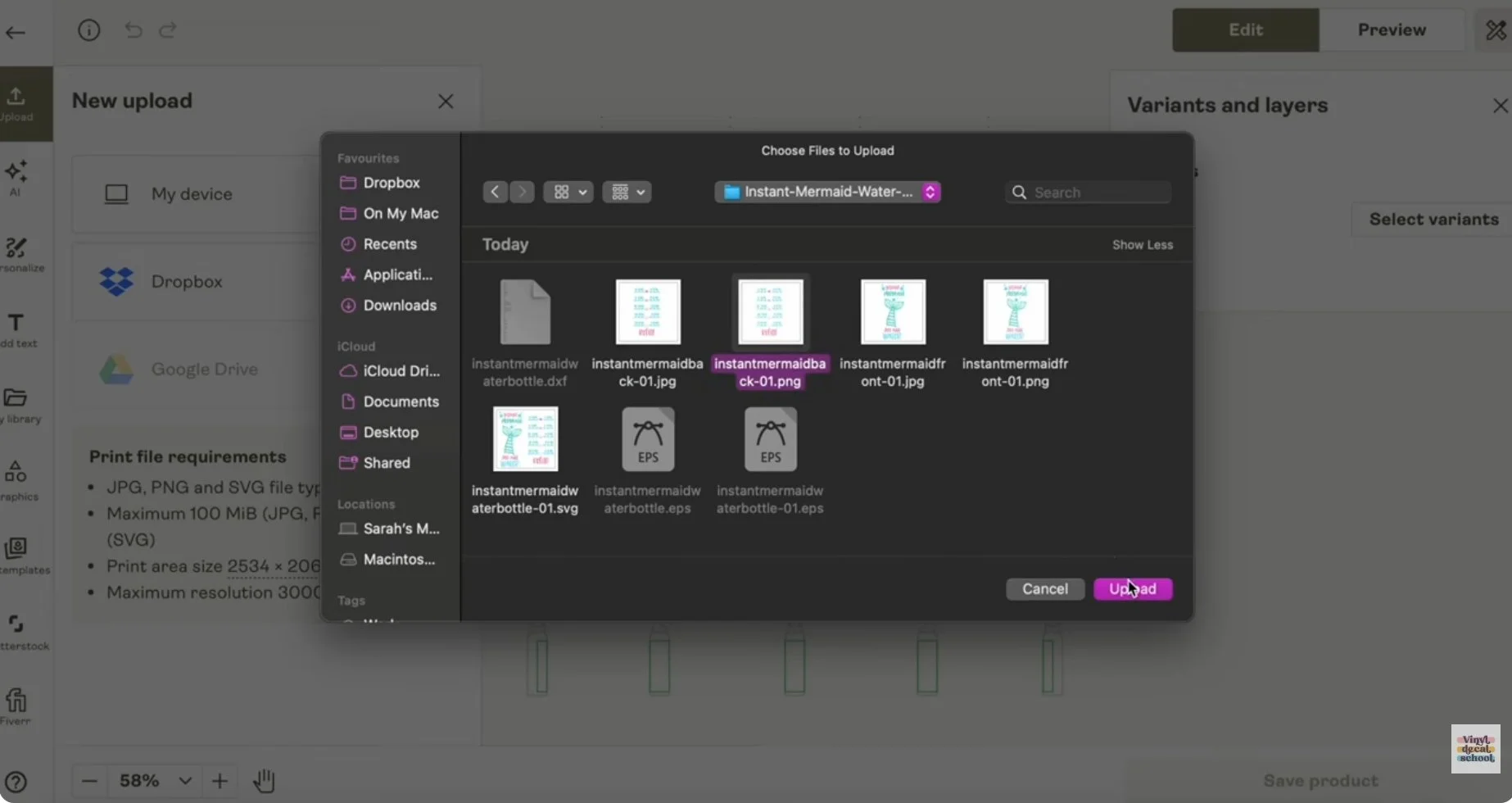
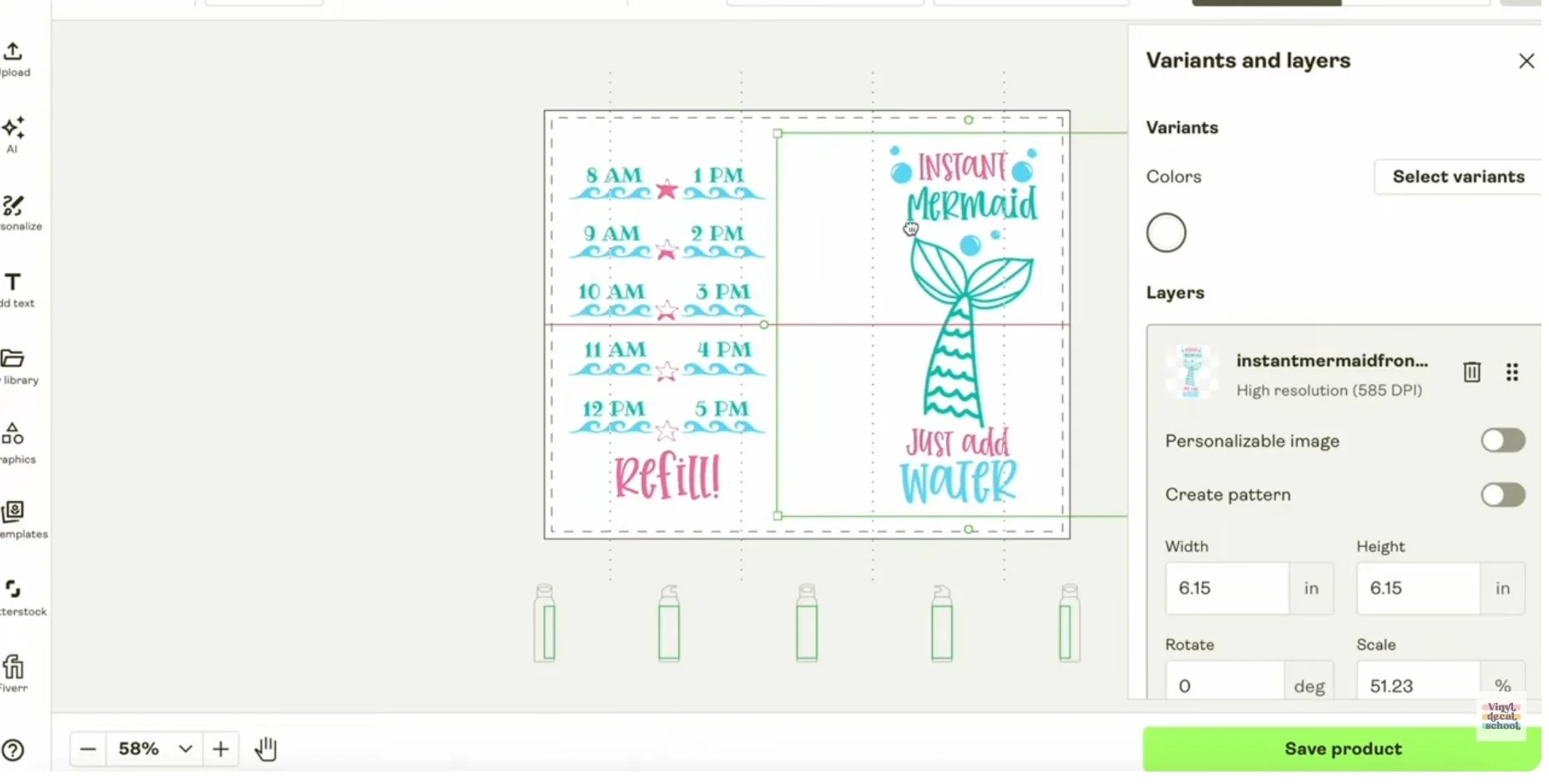
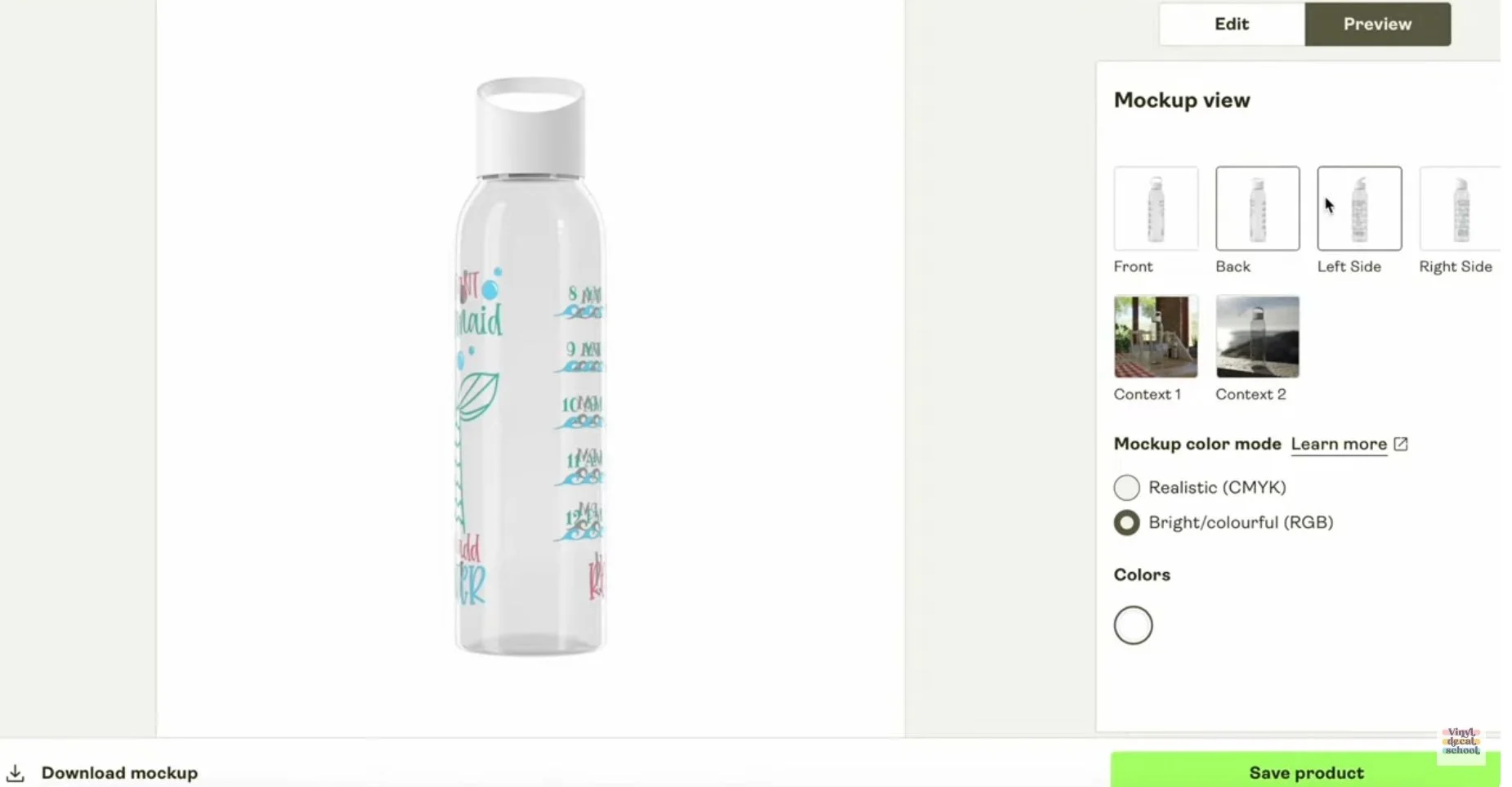
Once uploaded to Printify, the design automatically fits within the allowable print area. You can:
Create designs from scratch inside Printify
Add designs to both sides of a product
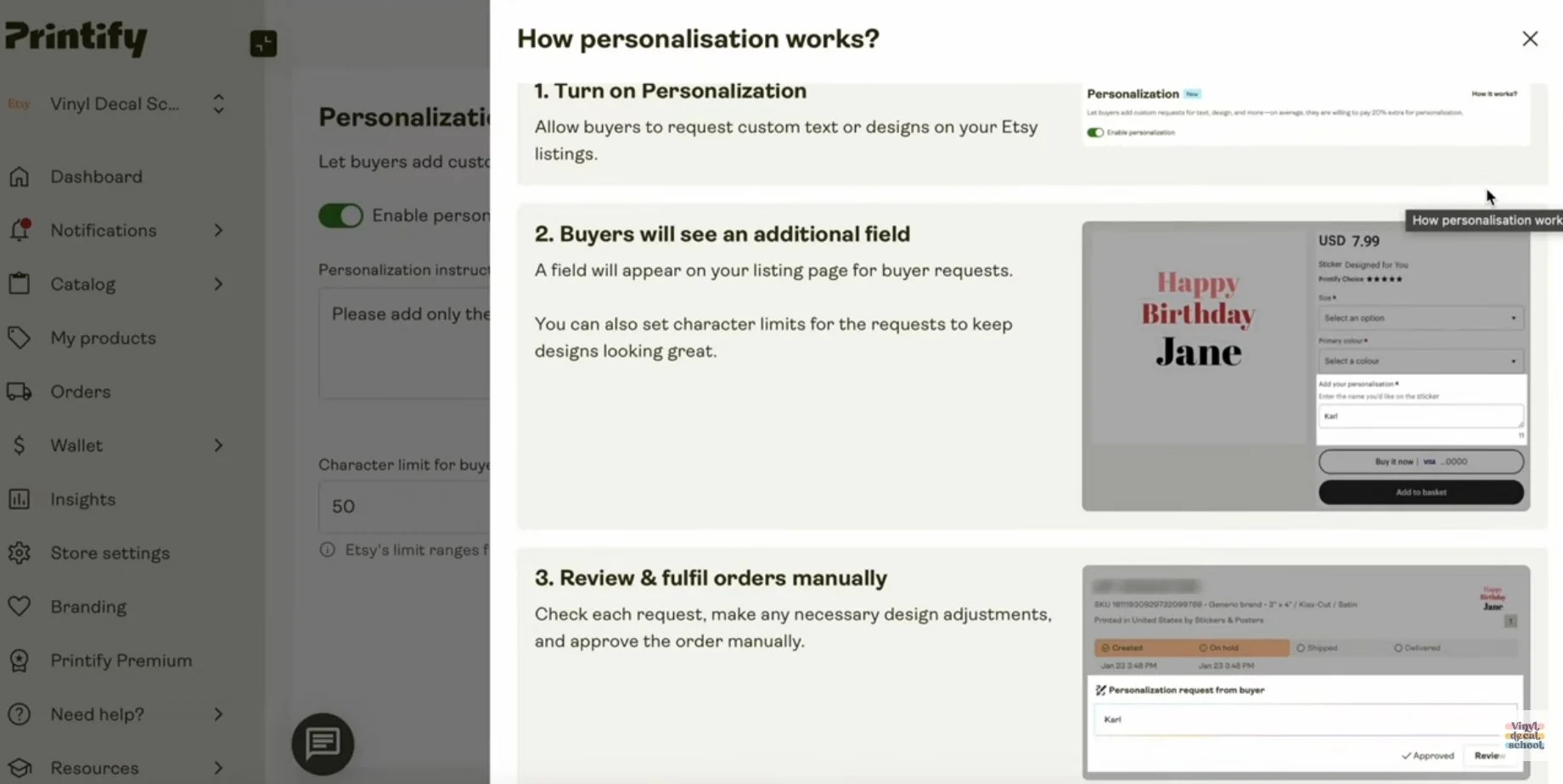
Enable personalisation
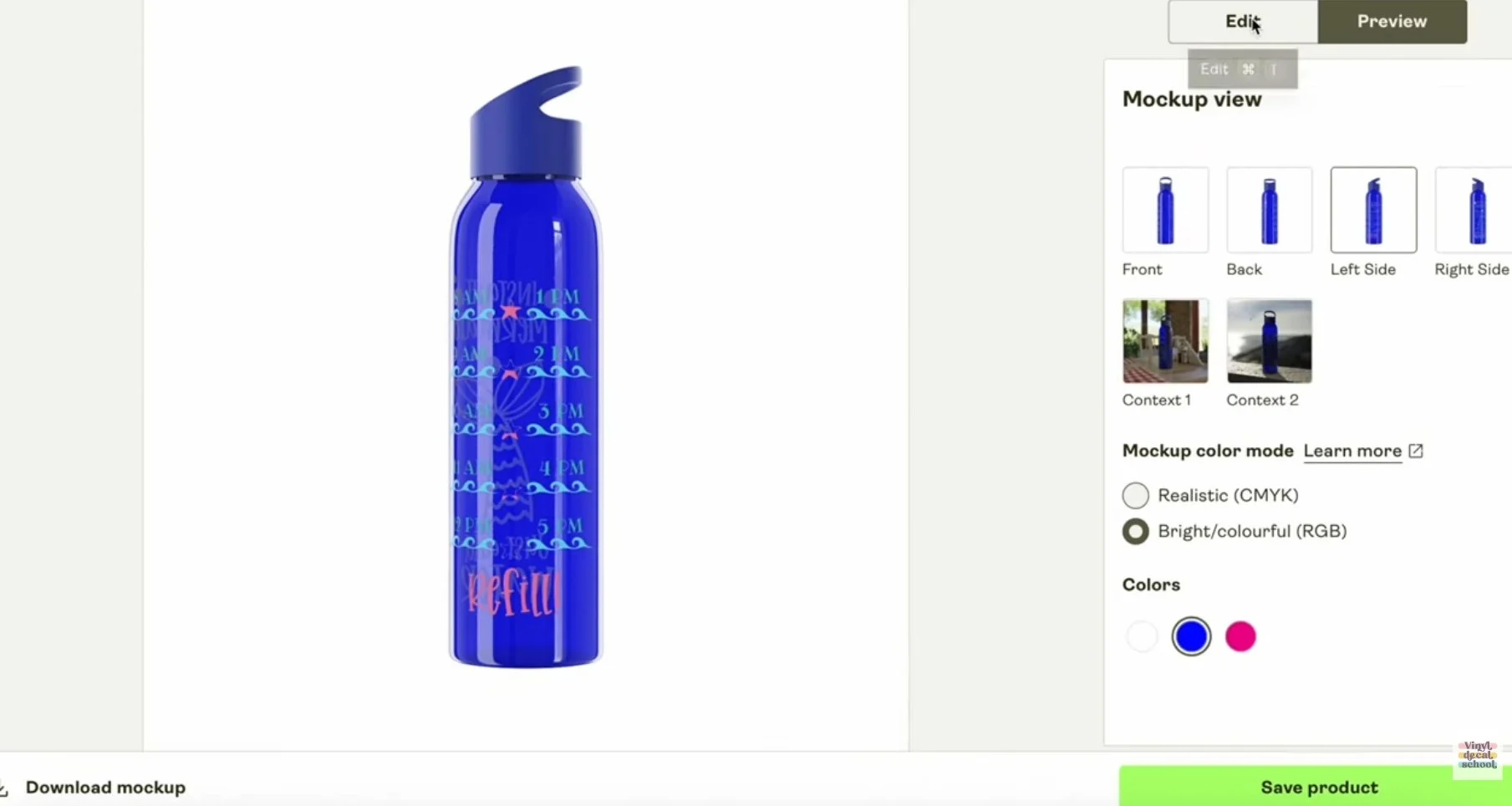
Preview mockups in different colours
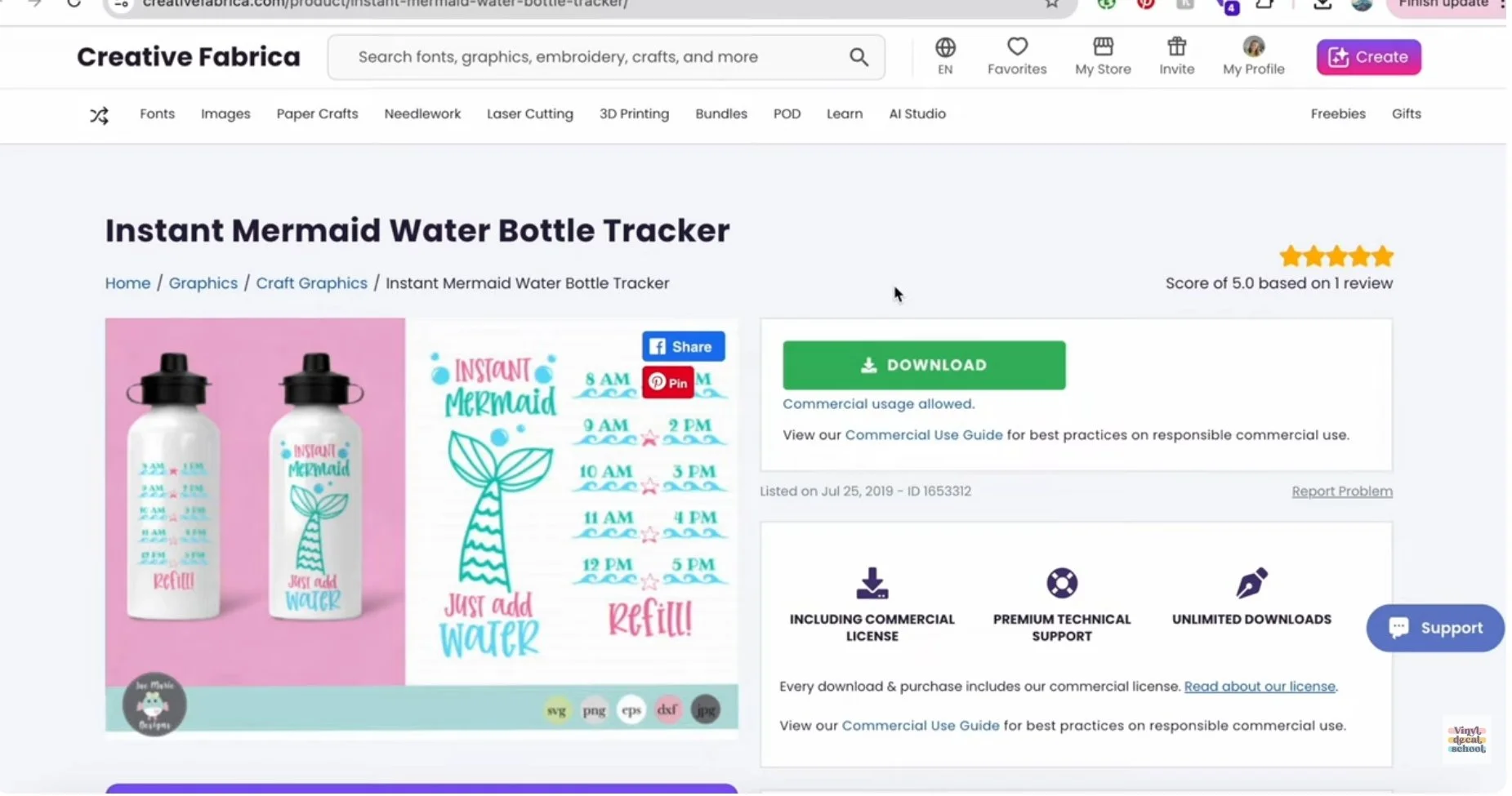
Water Bottle
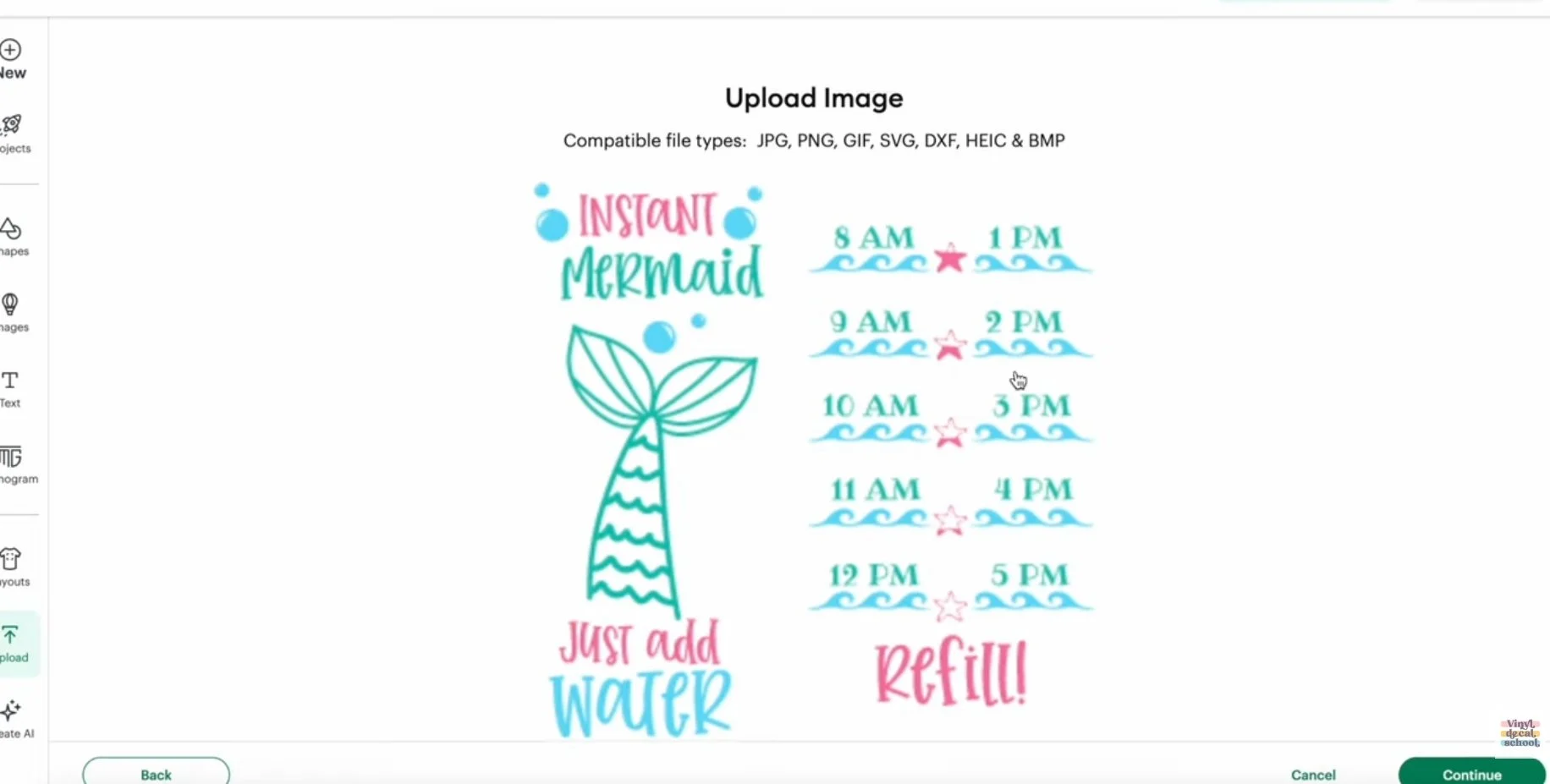
Next, I created a water bottle using a different design that would also work with adhesive vinyl and sublimation. This one didn’t have a POD license, which is fine for testing but wouldn’t be suitable for selling via print on demand. Remember to always double-check licenses before listing products.
Designing with a Cricut
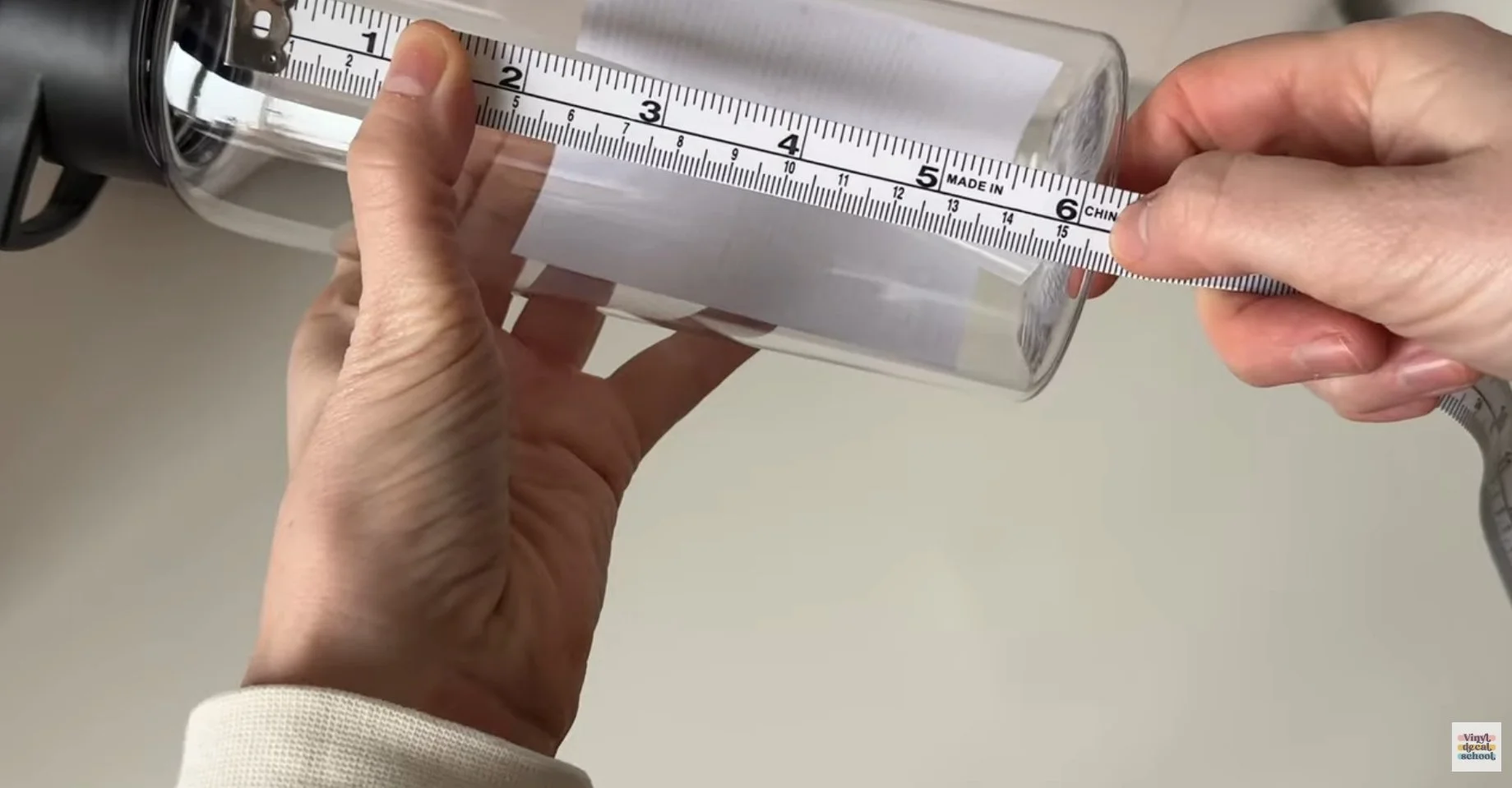
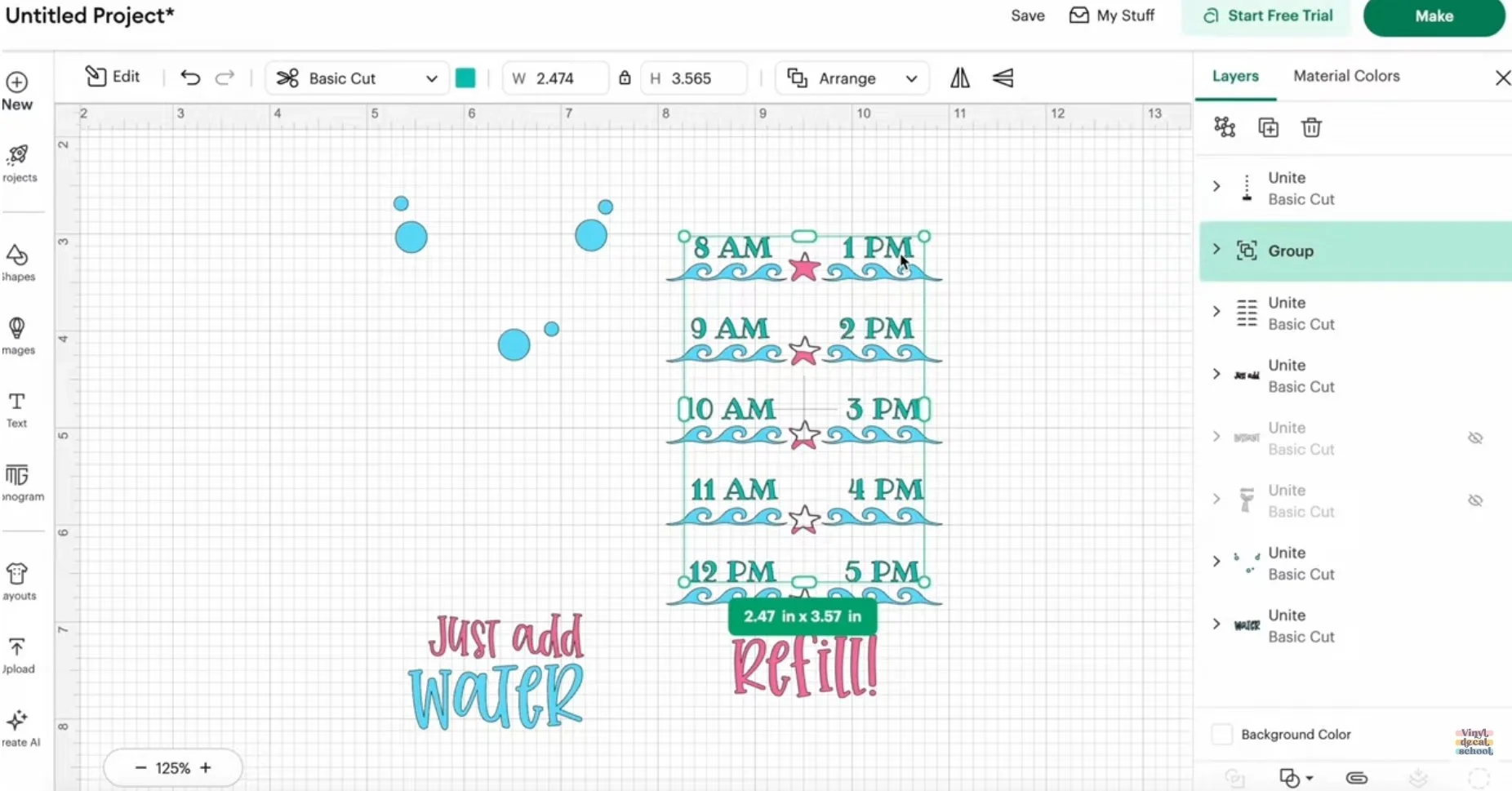
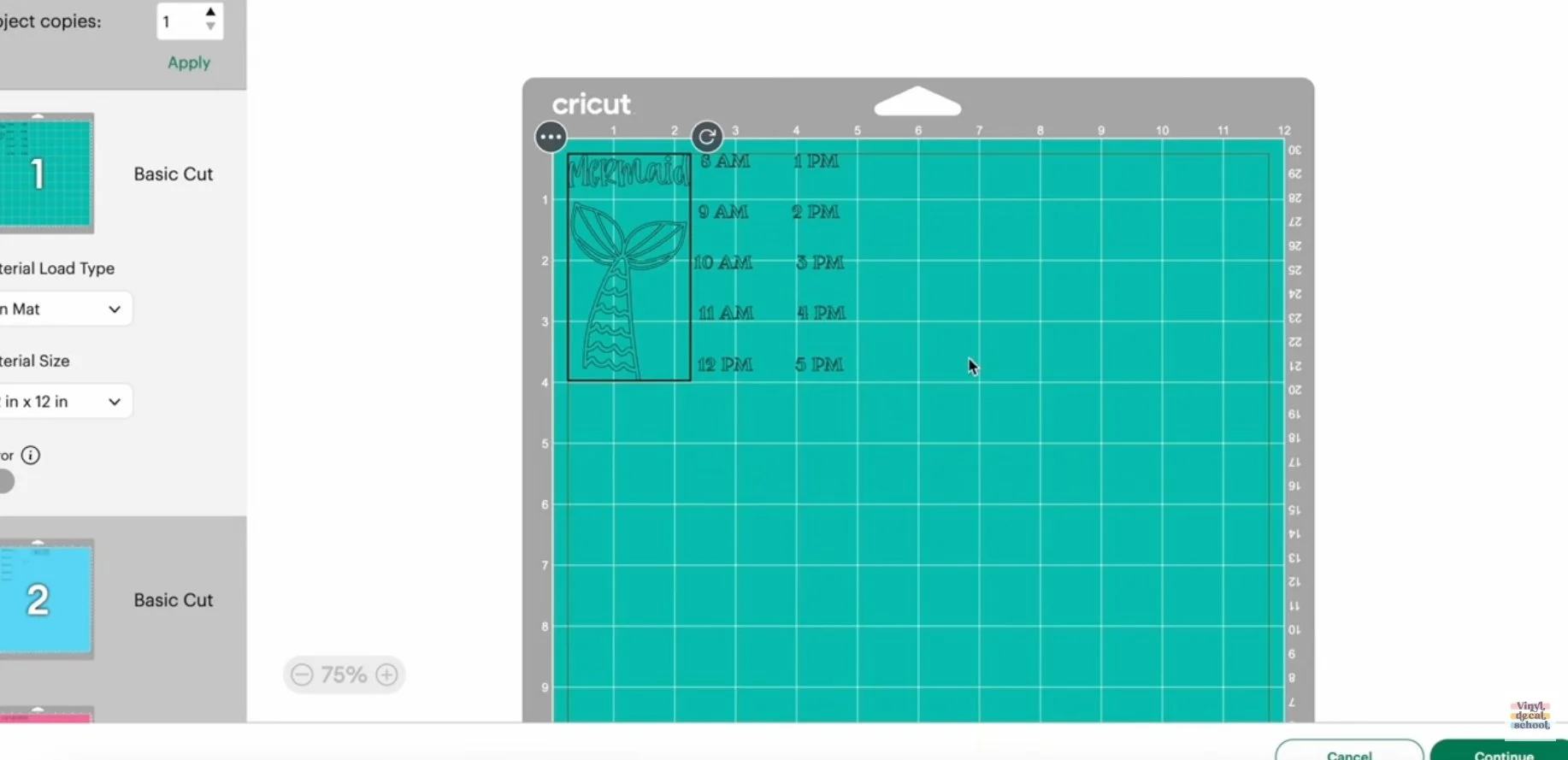
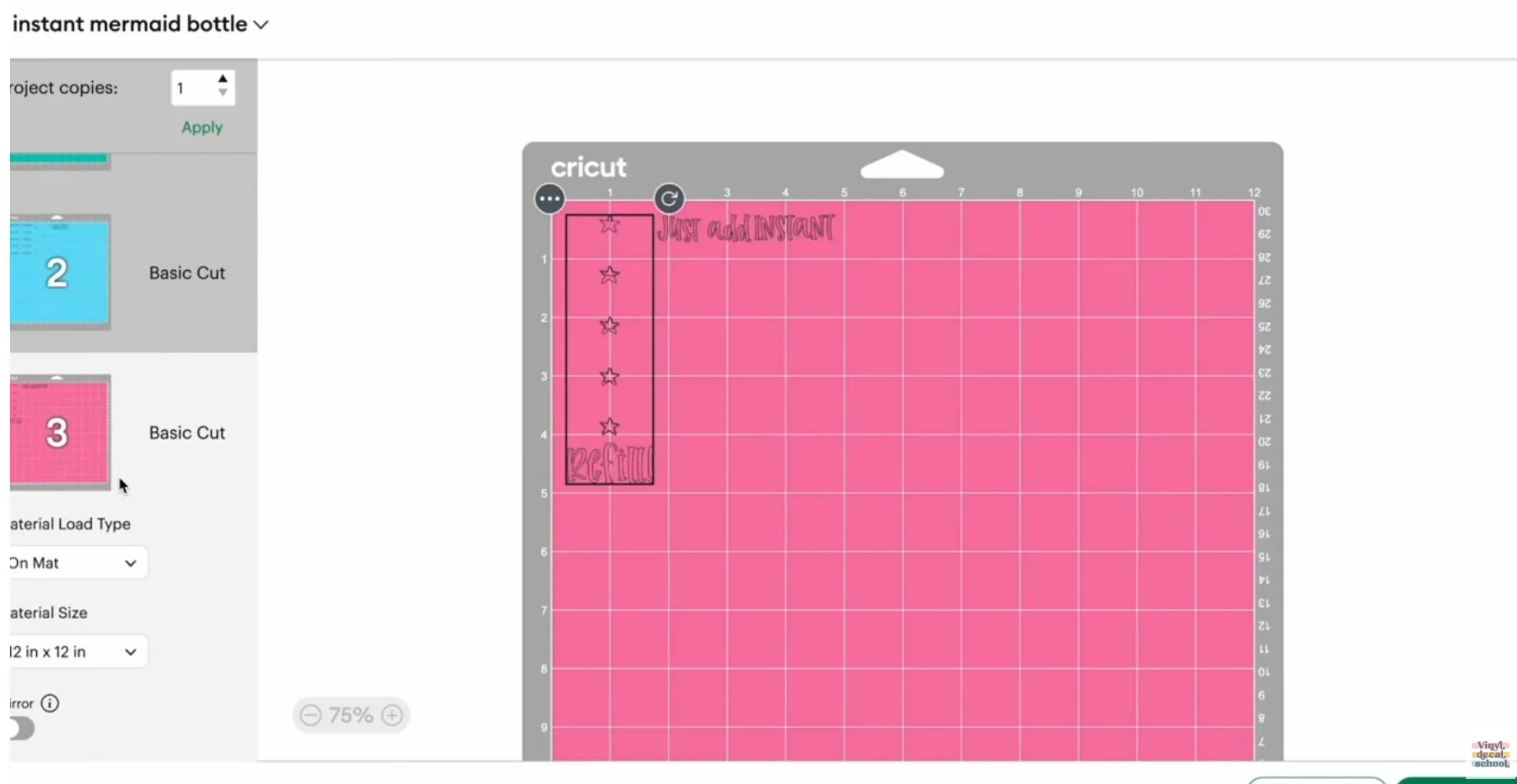
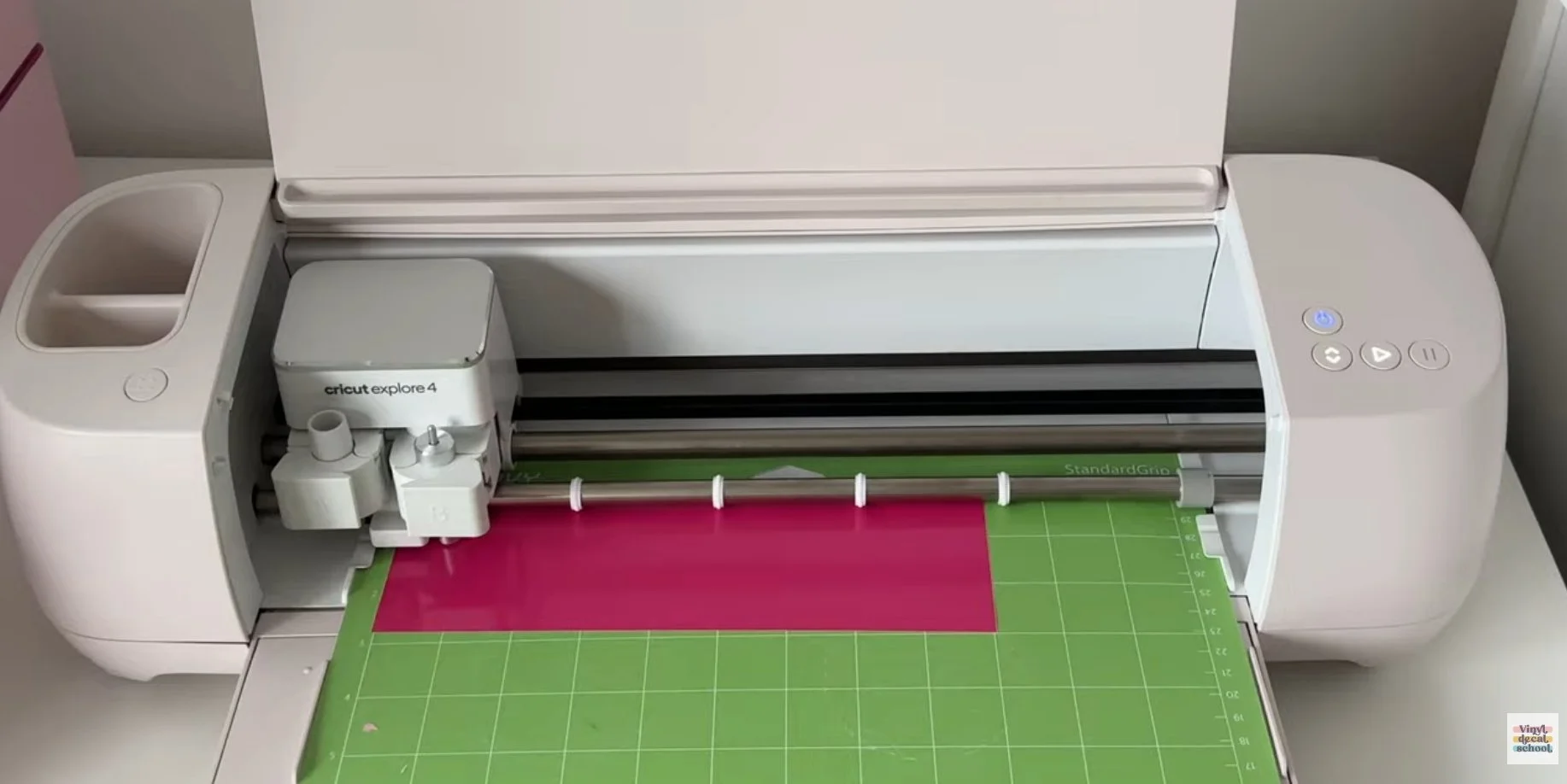
For the Cricut version, I uploaded the bottle design into Design Space and resized it based on the physical bottle measurements.
Because this was layered vinyl:
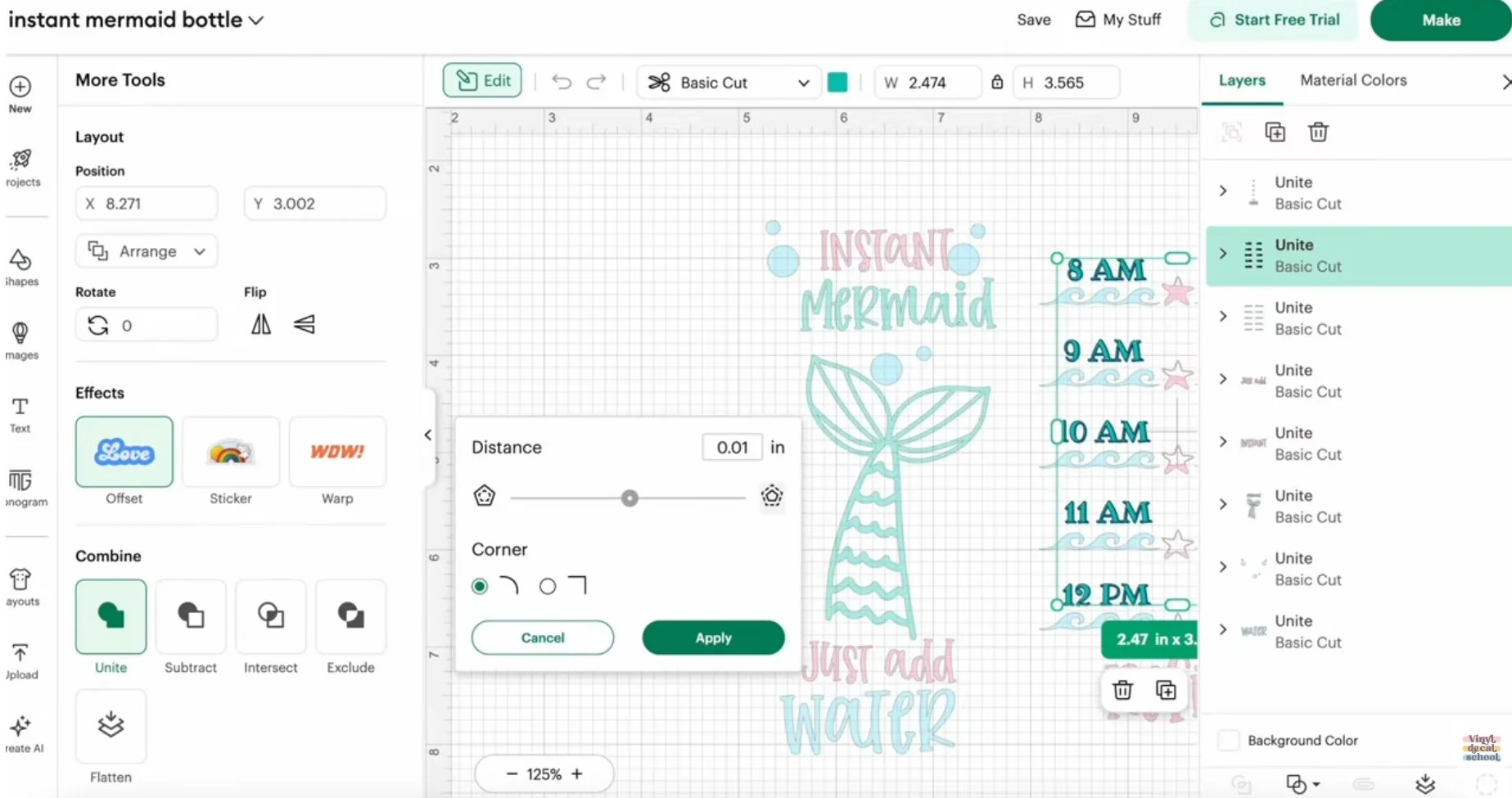
I united sections that needed to be cut together
Each colour had to be cut separately
Some details were too thin to cut reliably, so I added a 0.01 offset to thicken small elements like numbers and stars. This is the kind of adjustment you have to think about when designing for vinyl.
Designing for DTF Printing
DTF is the simplest design-wise:
Upload the file
Set the correct size
Hit print
There’s no design creation inside the software — everything must be ready beforehand.
Ordering & Production
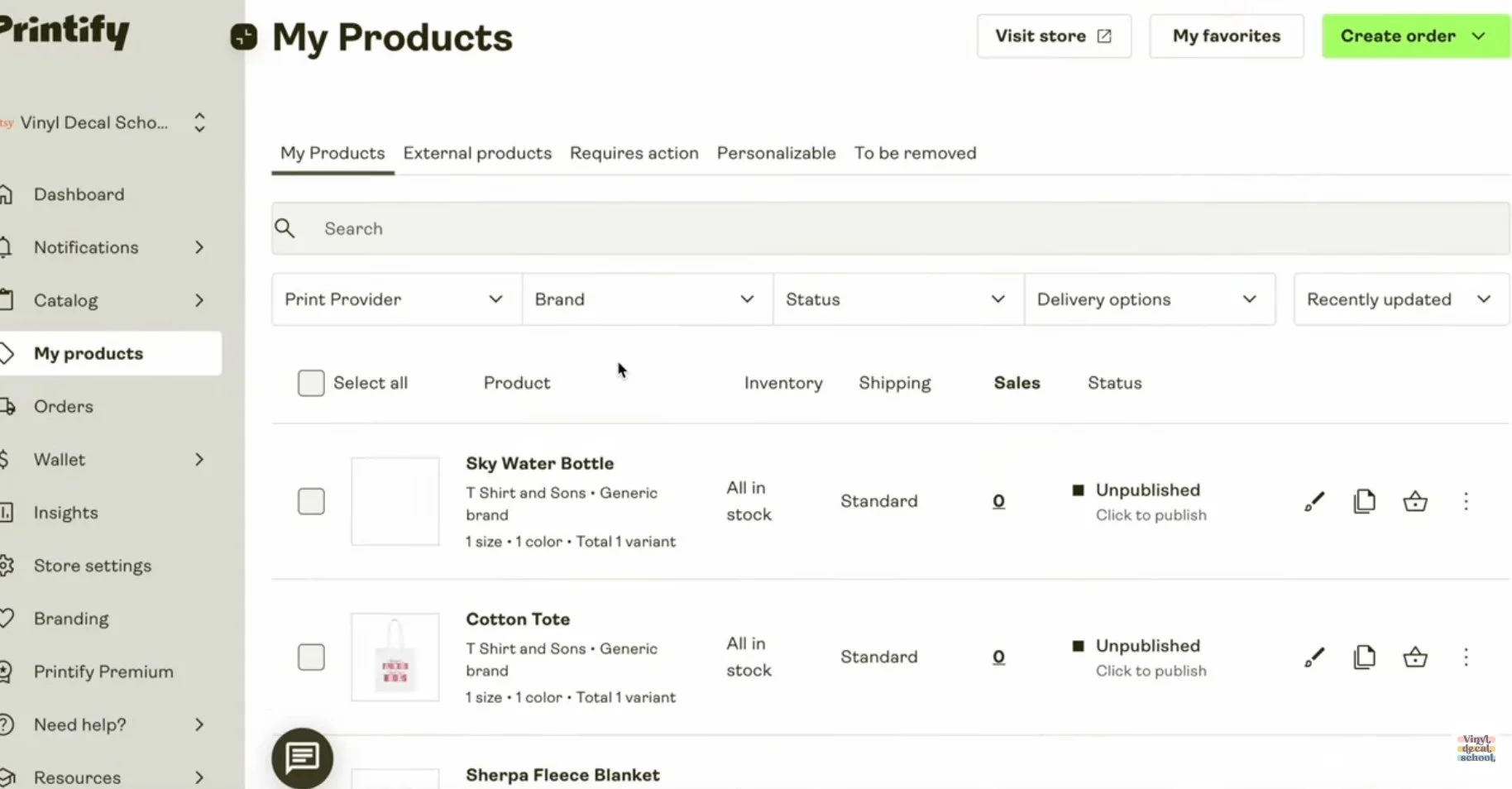
Ordering from Printify
To order samples, I simply placed an order through Printify as if I were a customer.
One thing to note: shipping discounts only apply to certain products. Bulkier items like bottles may still ship separately, which can affect costs if customers order multiple items.
From order to delivery took three days, although this depends on supplier and destination.
Product quality:
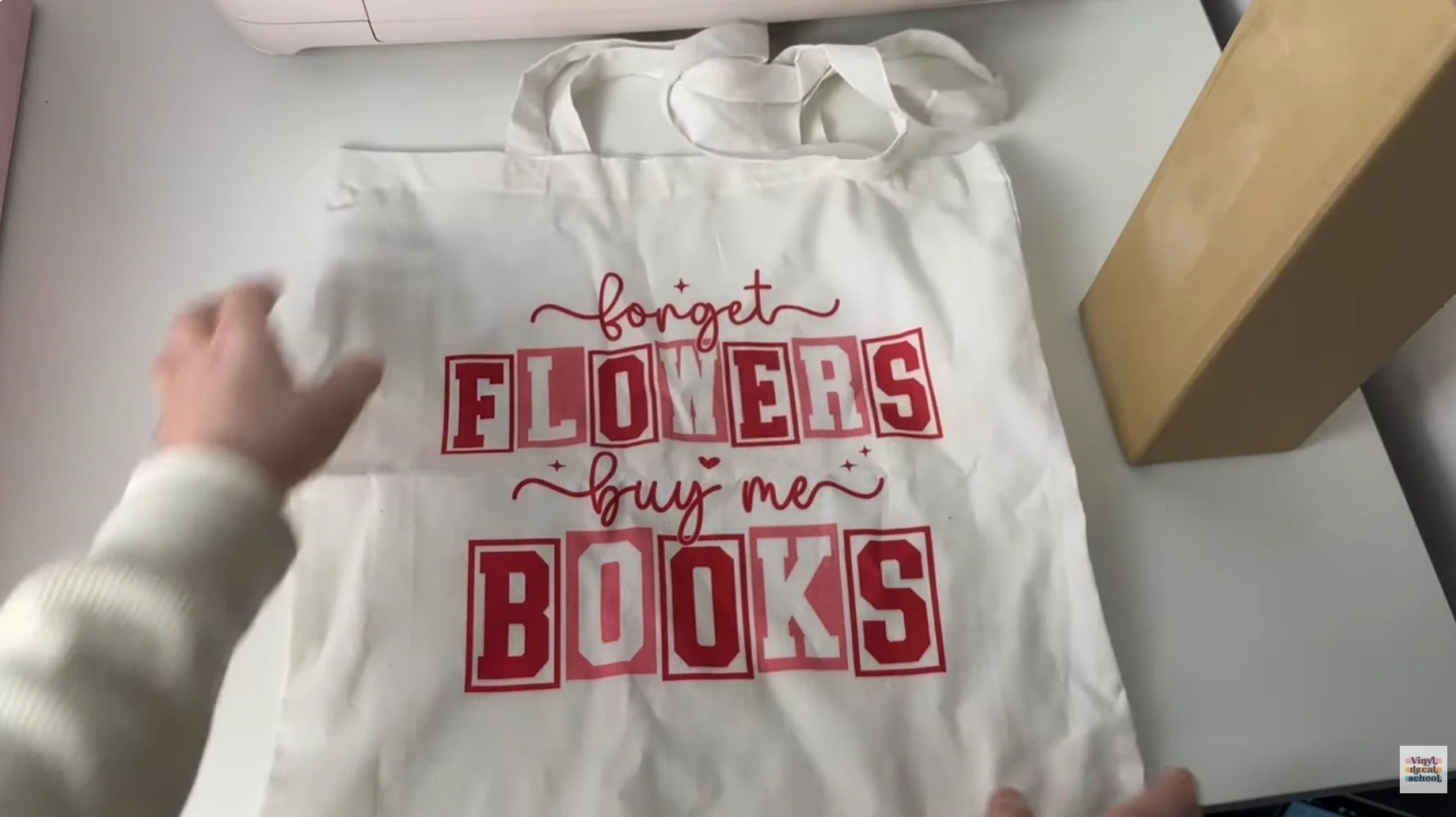
Tote bag: vibrant print, decent quality fabric (reflective of a budget tote)
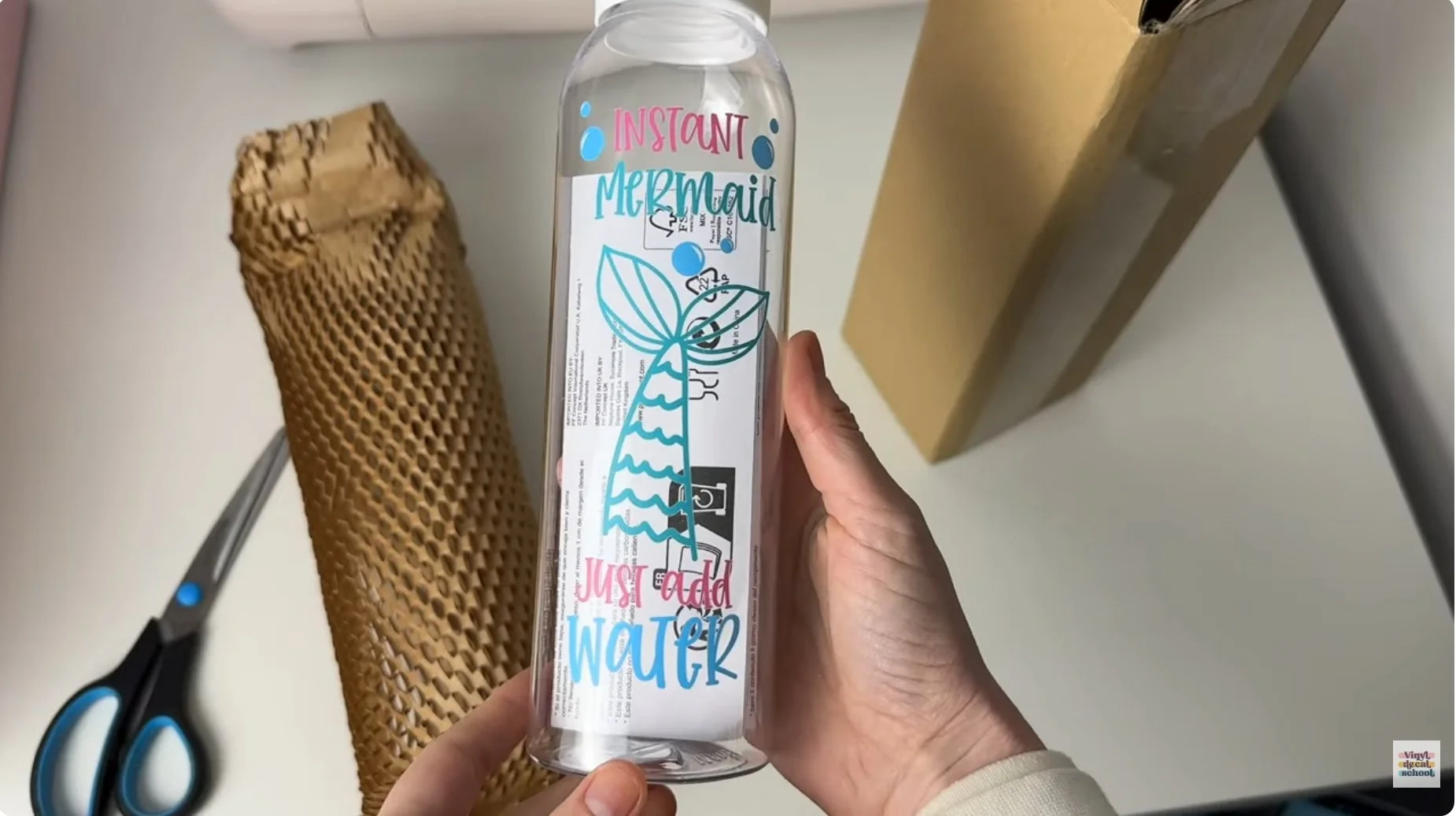
Bottle: excellent print quality, very well adhered, professionally packaged, and included multilingual care instructions
Making the Products In-House
Cricut Bottle
To recreate the bottle:
I used three rolls of adhesive vinyl
Cut each layer individually
Weeded everything (including tiny details)
Cleaned the bottle
Applied each layer with transfer tape
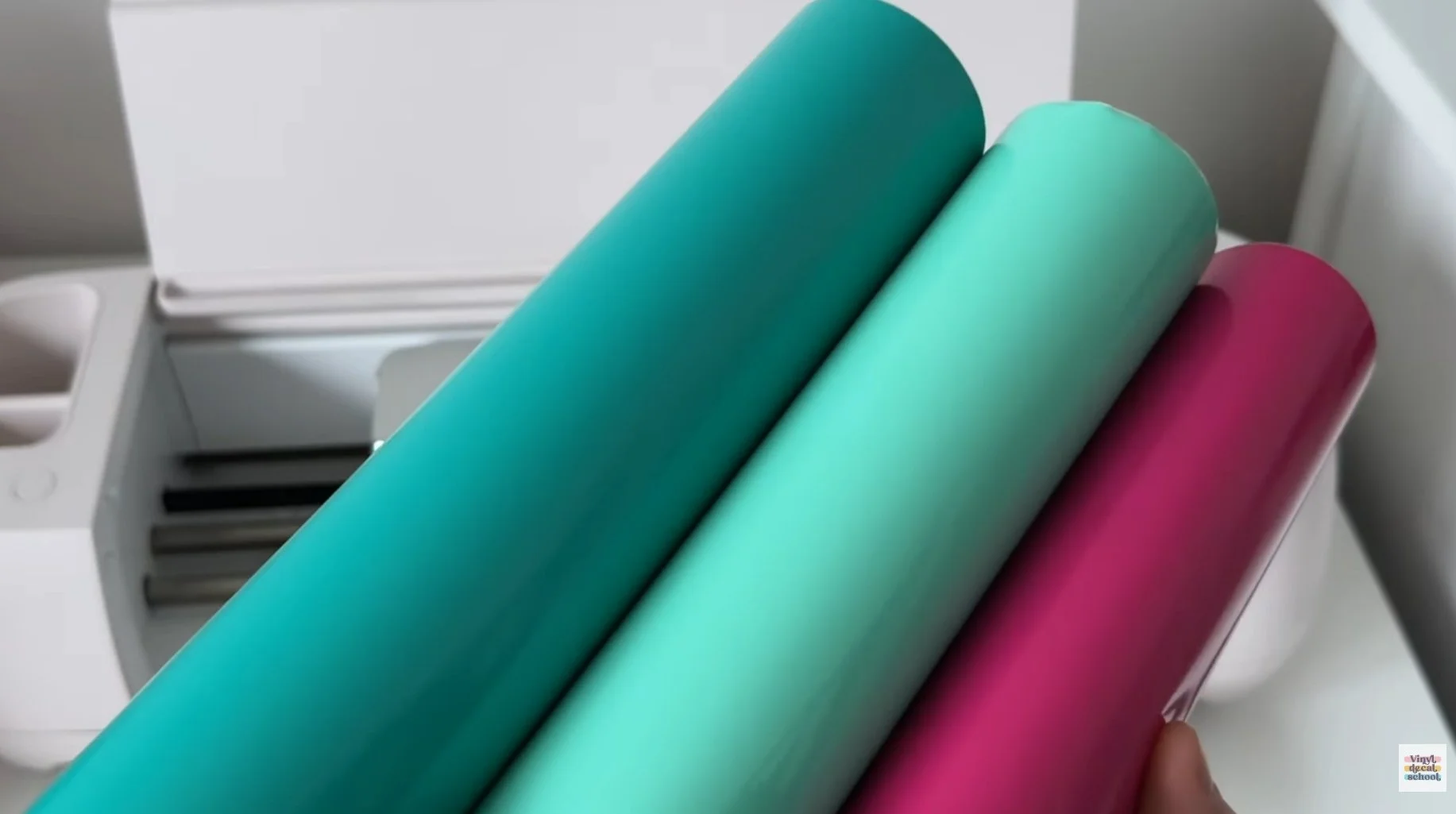
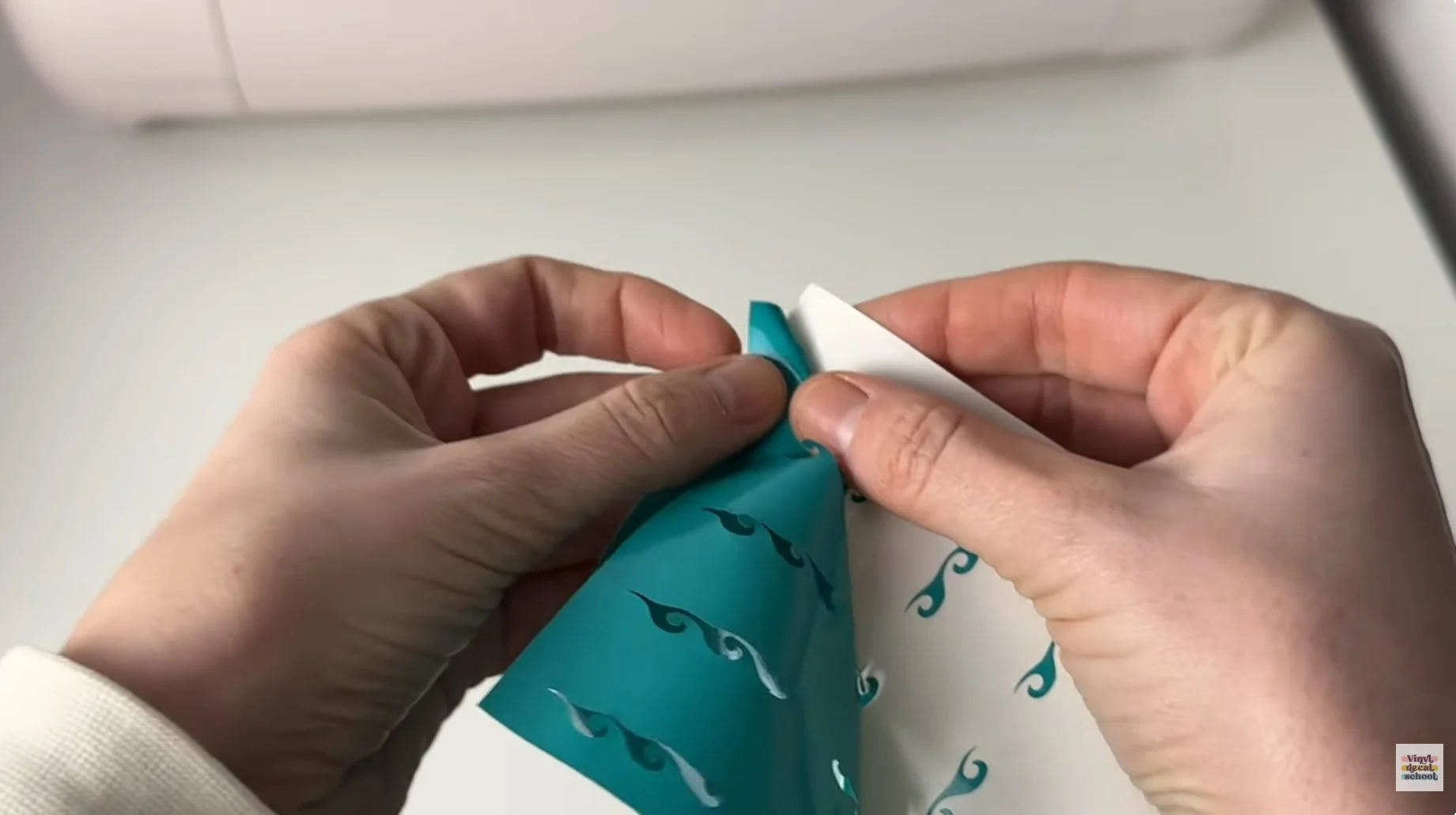
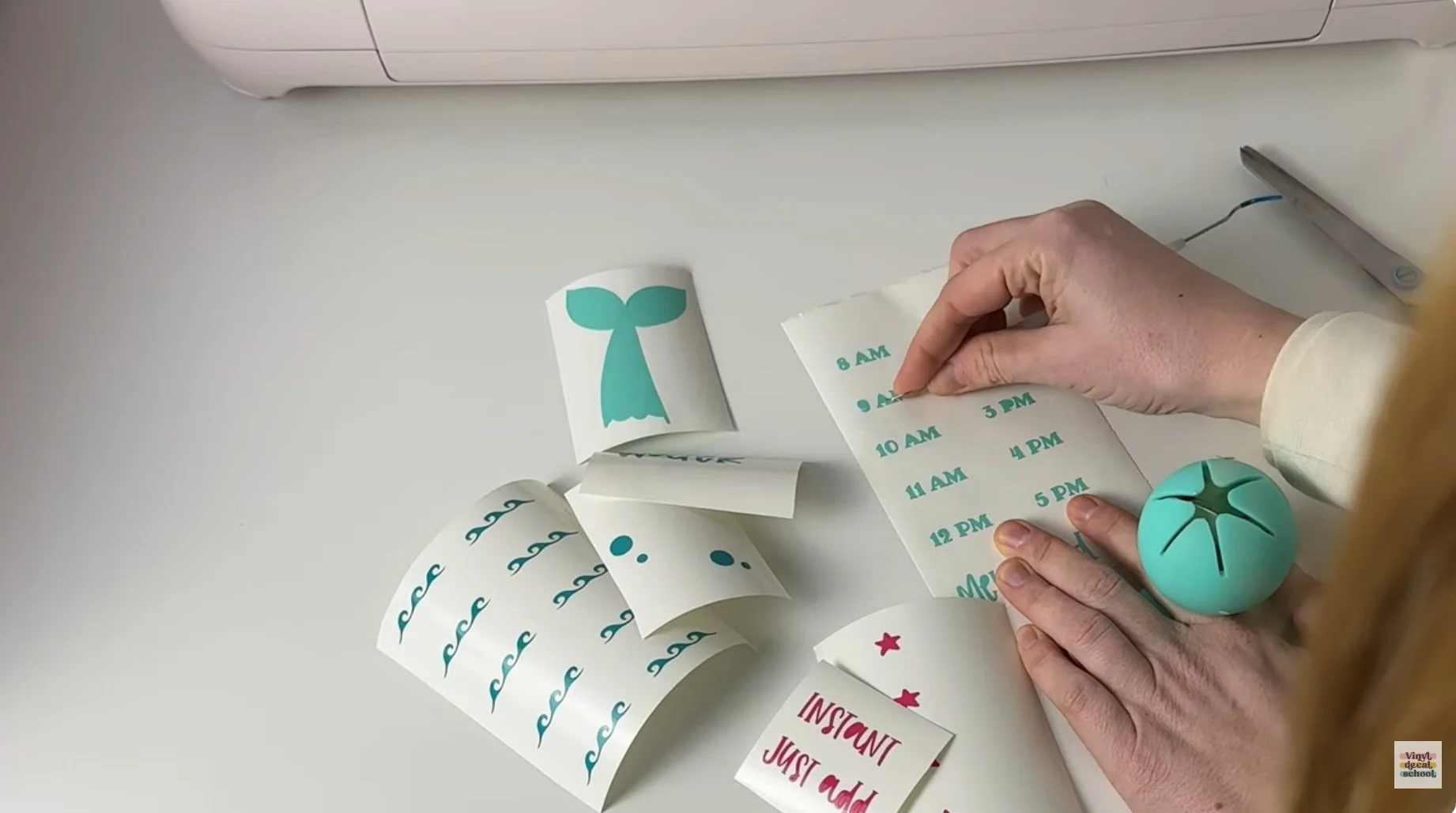
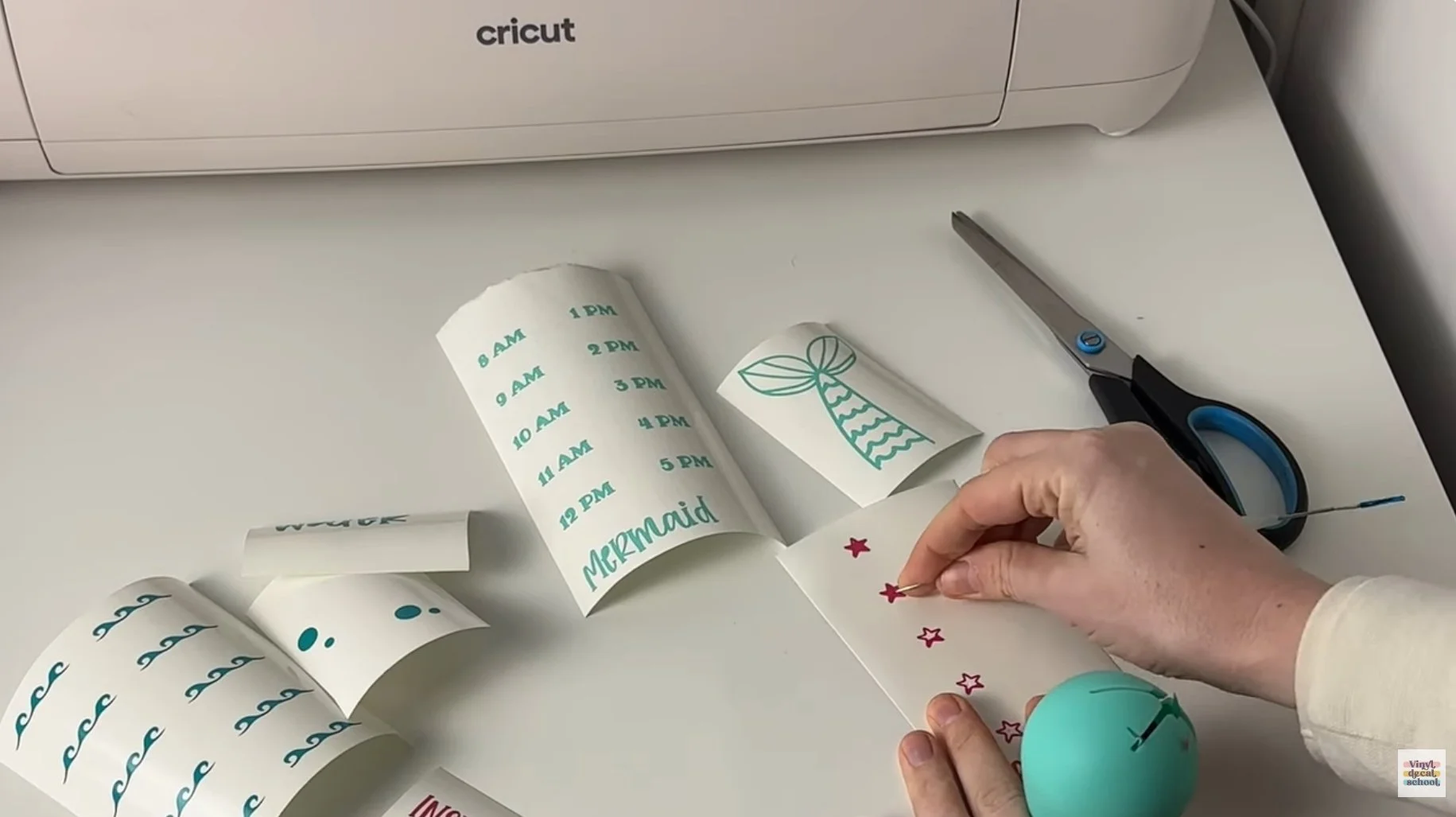
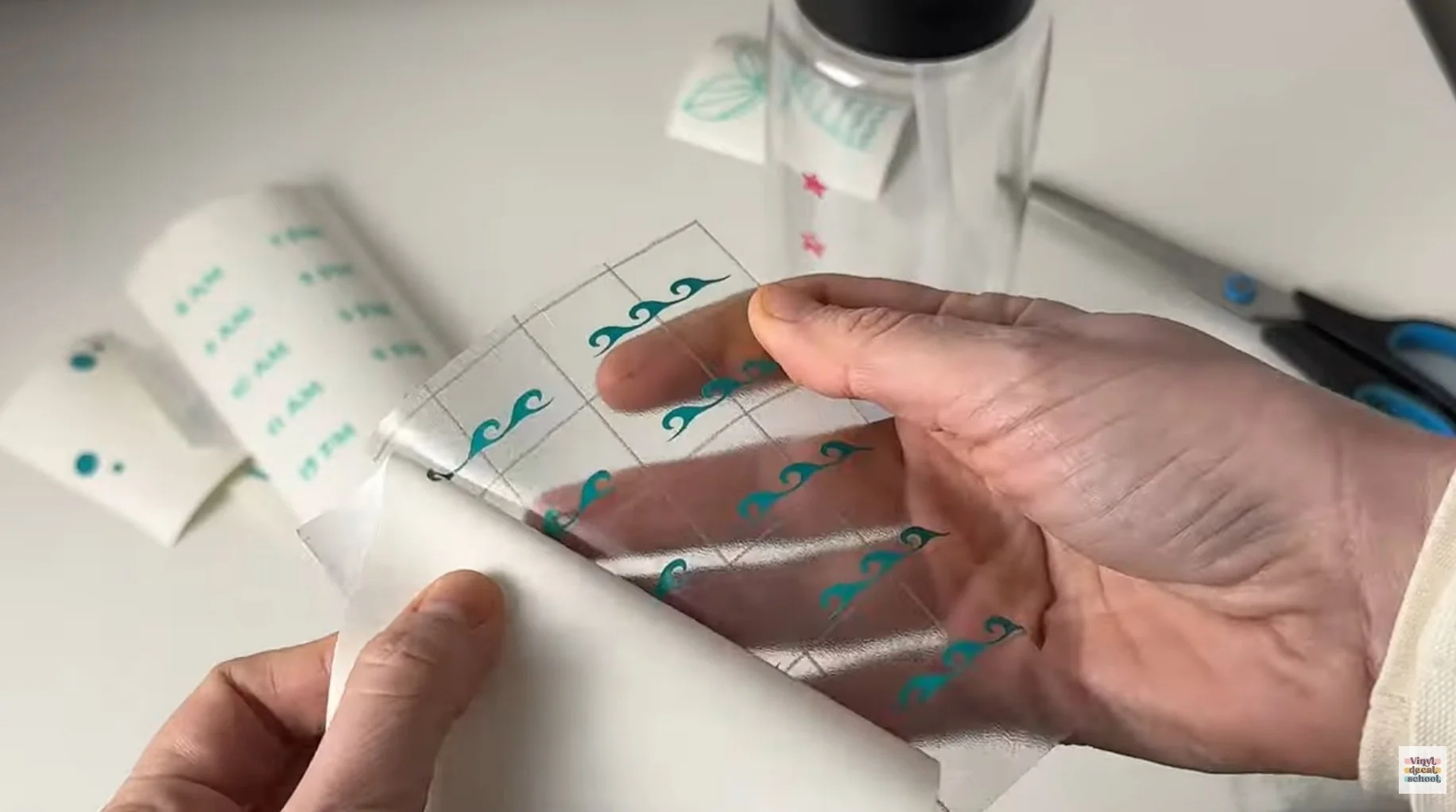
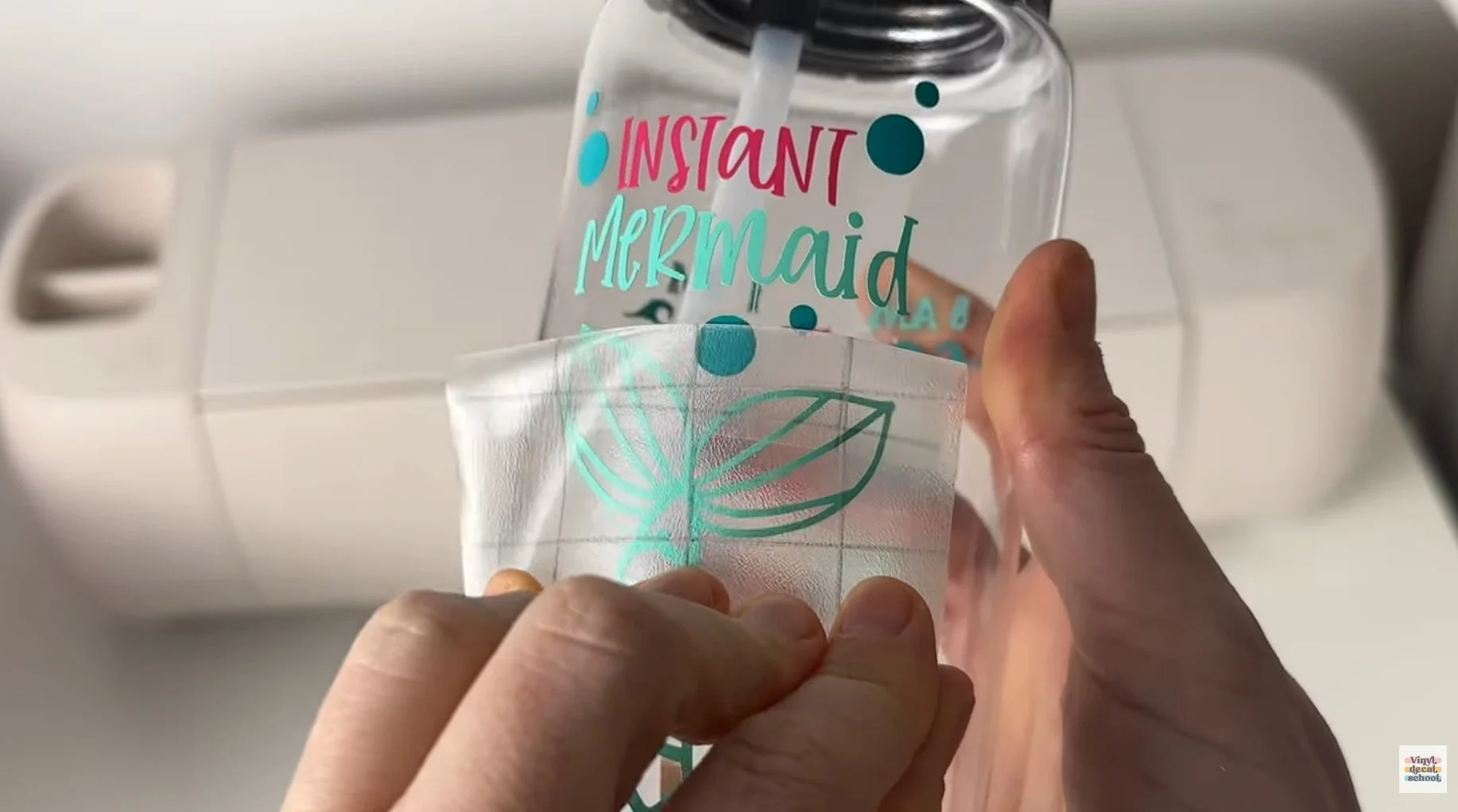
This process takes time, creates offcuts (wasted material), and mistakes do happen. All of that must be factored into pricing.
That said - if you love crafting, this is often the most enjoyable part of running a handmade business.
With proper curing and hand-washing, vinyl bottles can last a long time, though heavy use may eventually cause peeling.
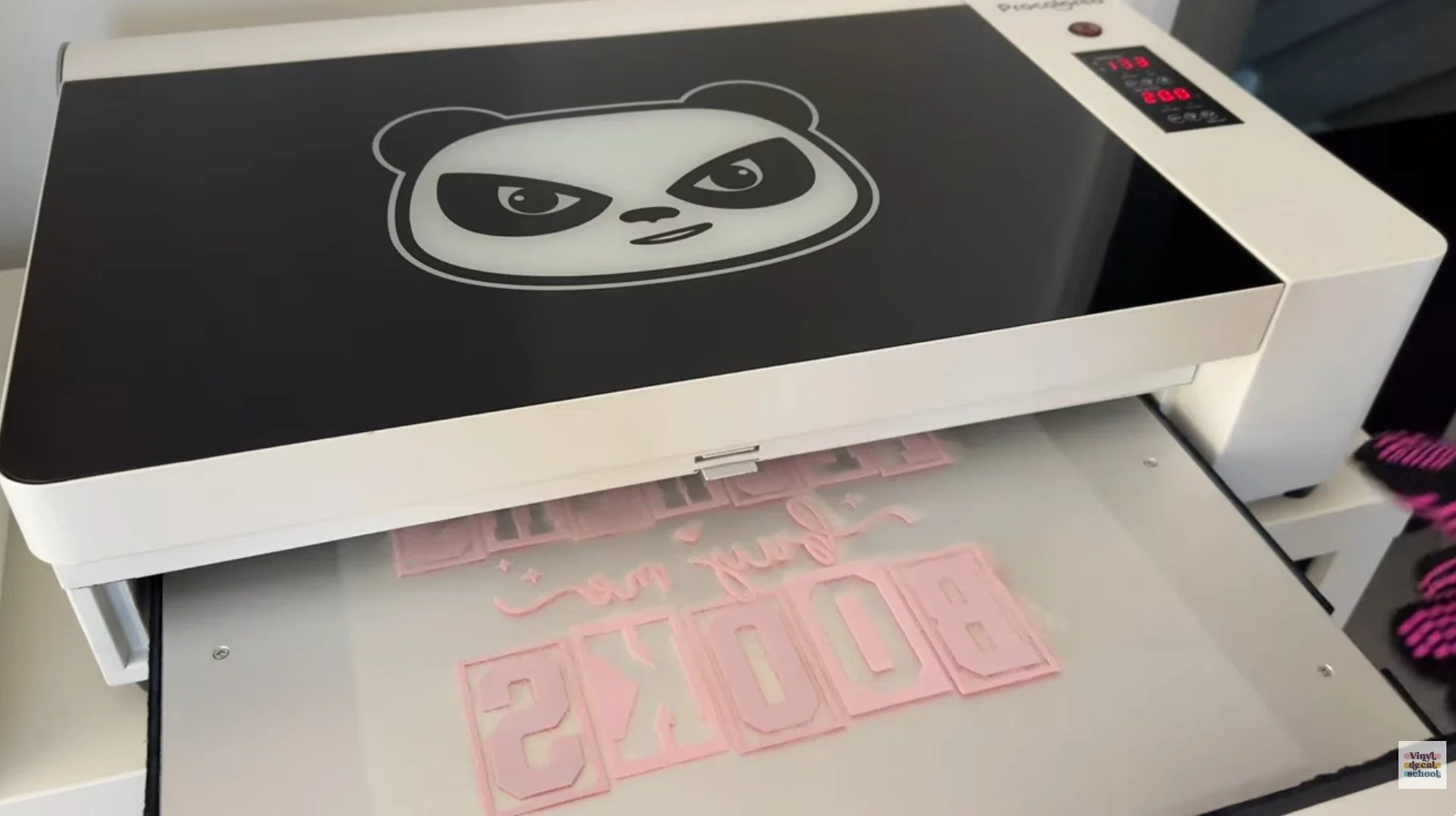
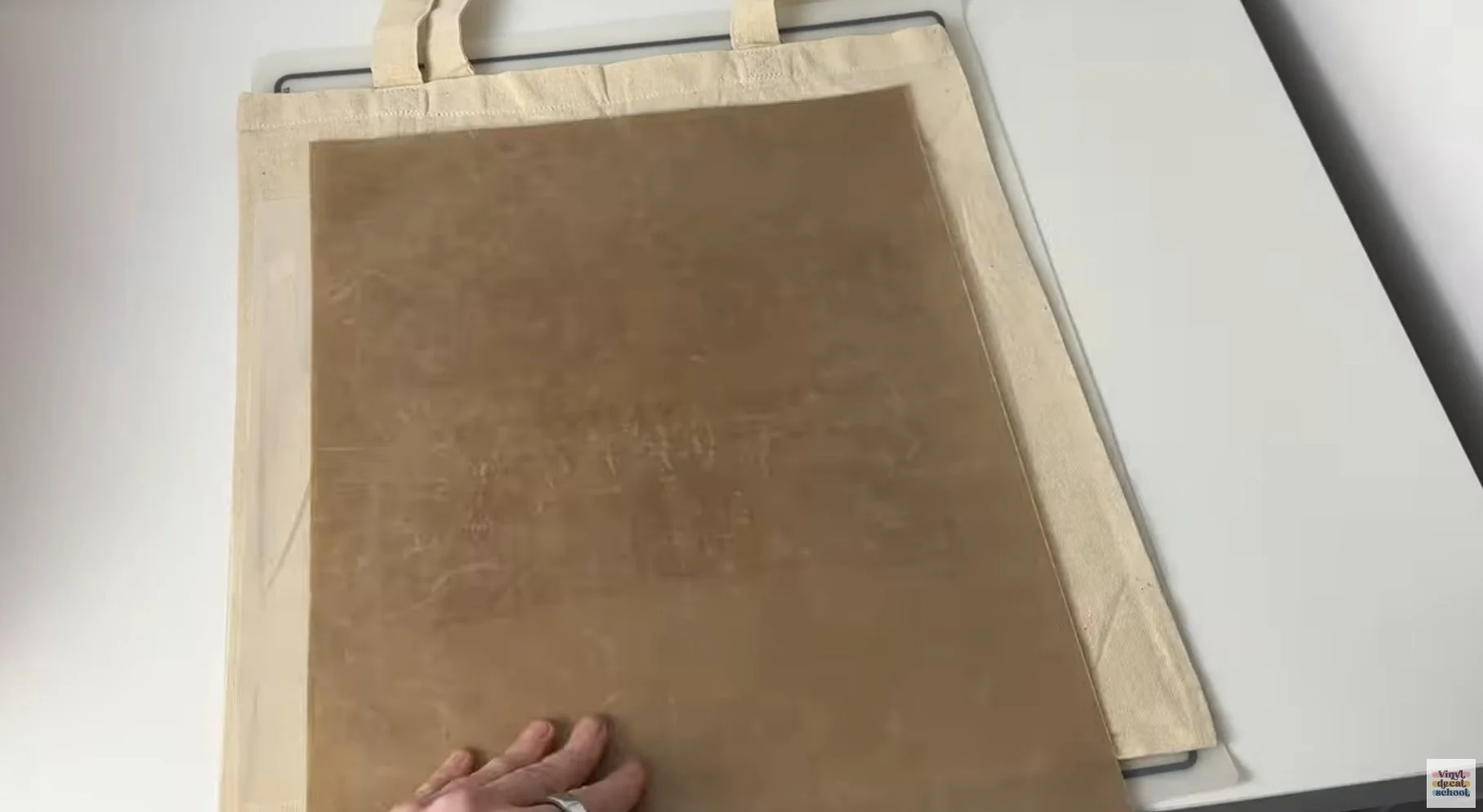
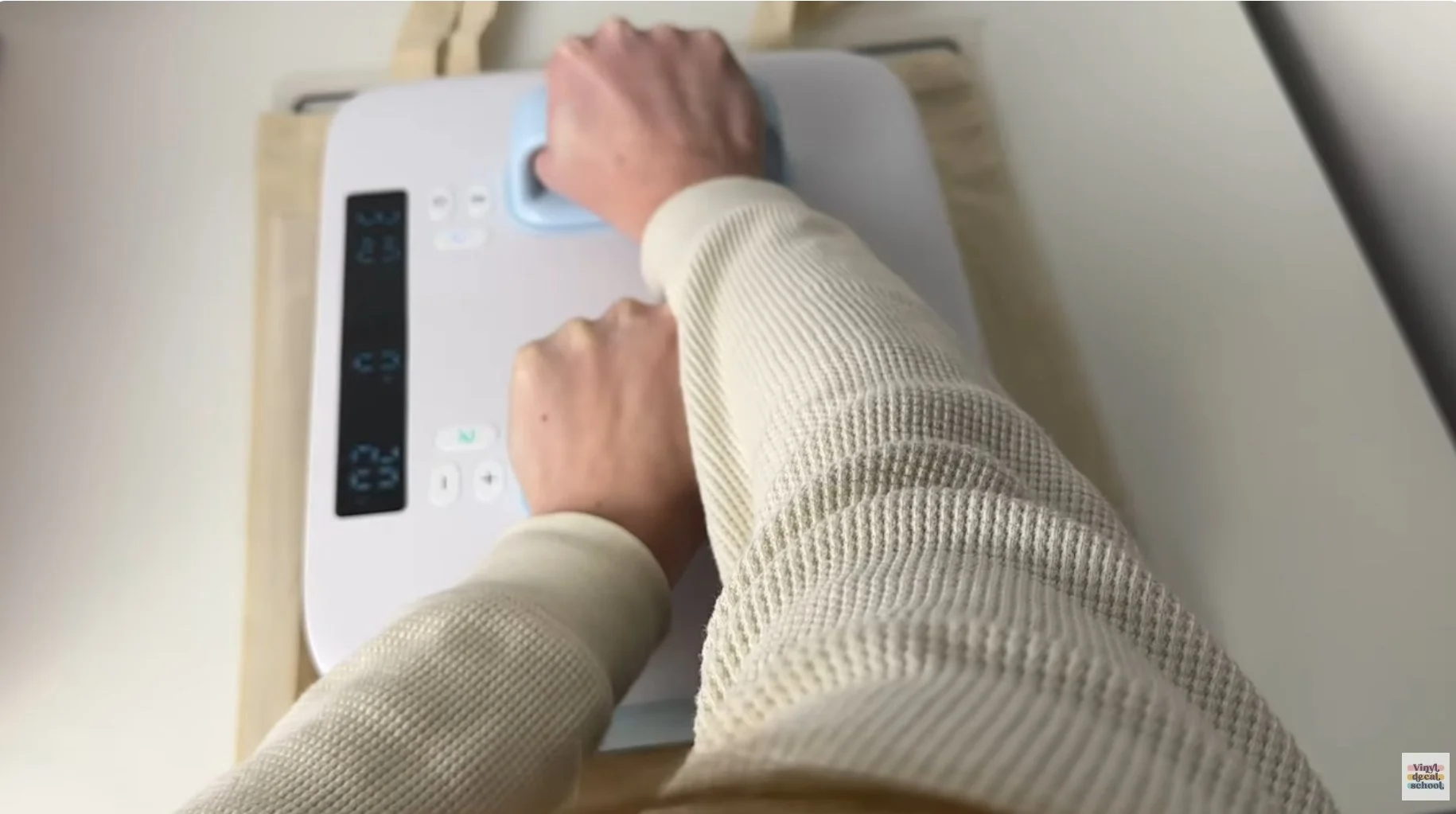
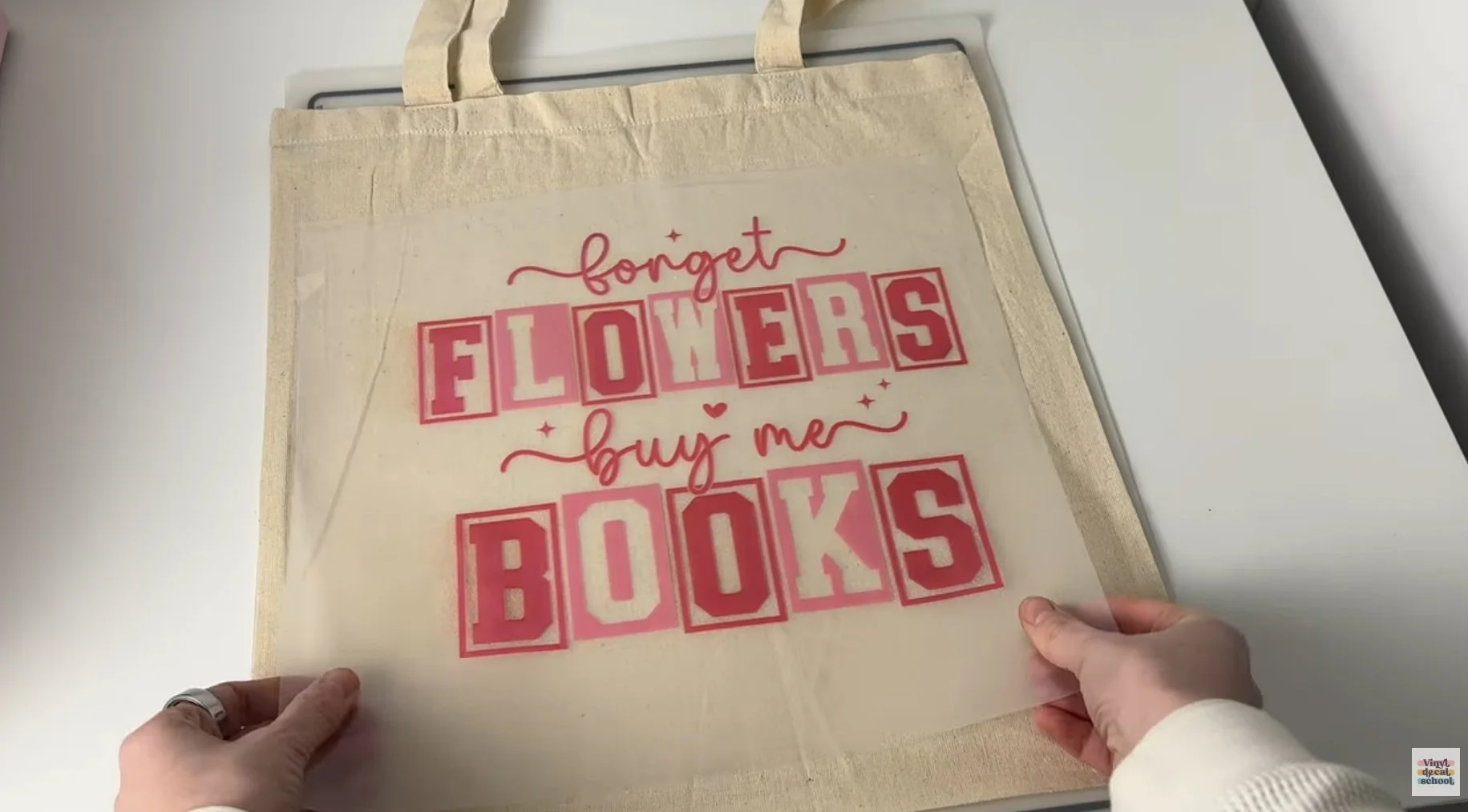
DTF Tote Bag
For the DTF bag:
Printed the design
Applied DTF powder
Cured it in a DTF oven
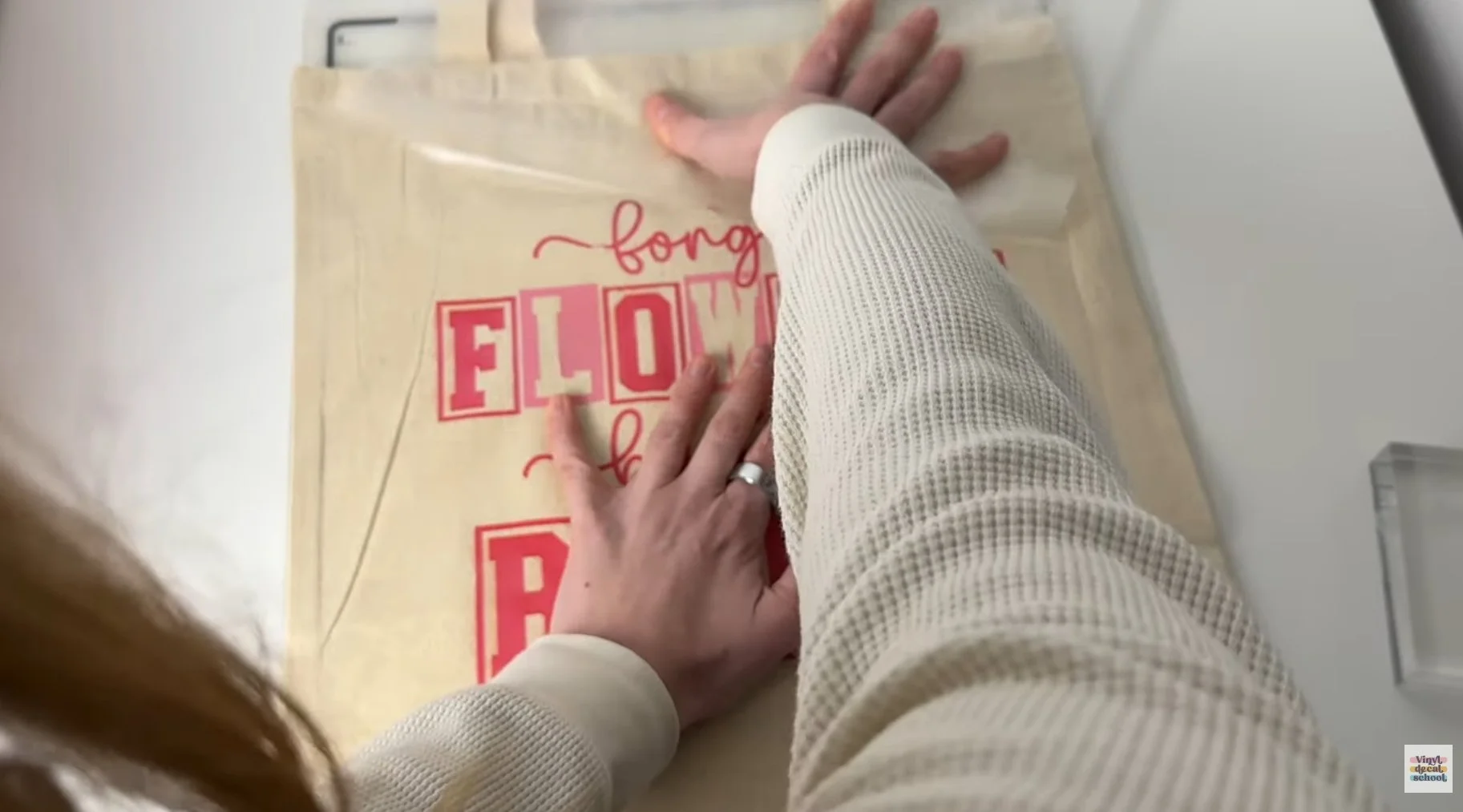
Pressed it onto the tote
The result is durable and vibrant, though slightly shinier than the POD version.
One important note: DTF printers require regular use and maintenance. I hadn’t used mine for a week and ended up with ink everywhere due to trapped air in the cartridges. This isn’t beginner-friendly equipment unless you’re printing consistently.
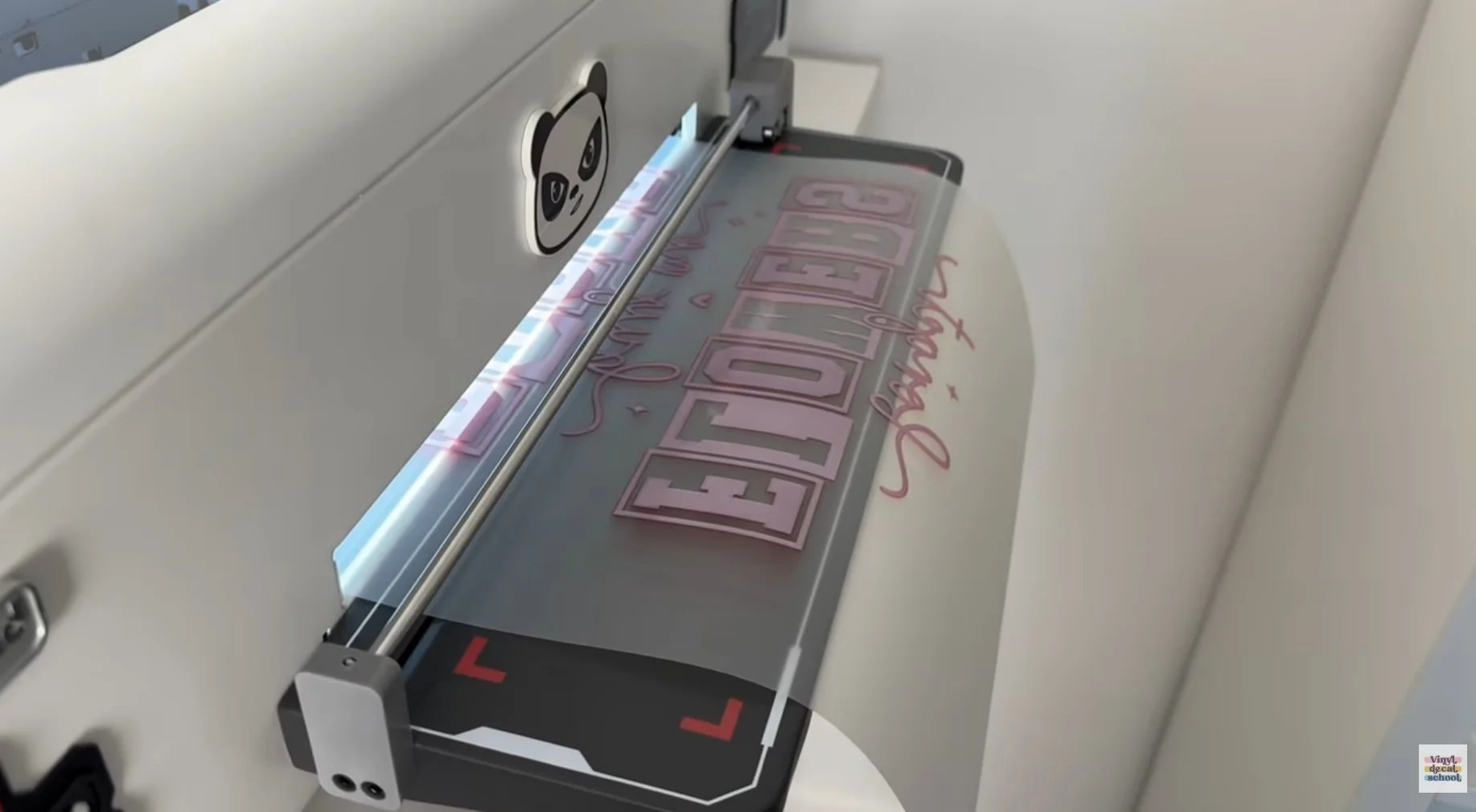
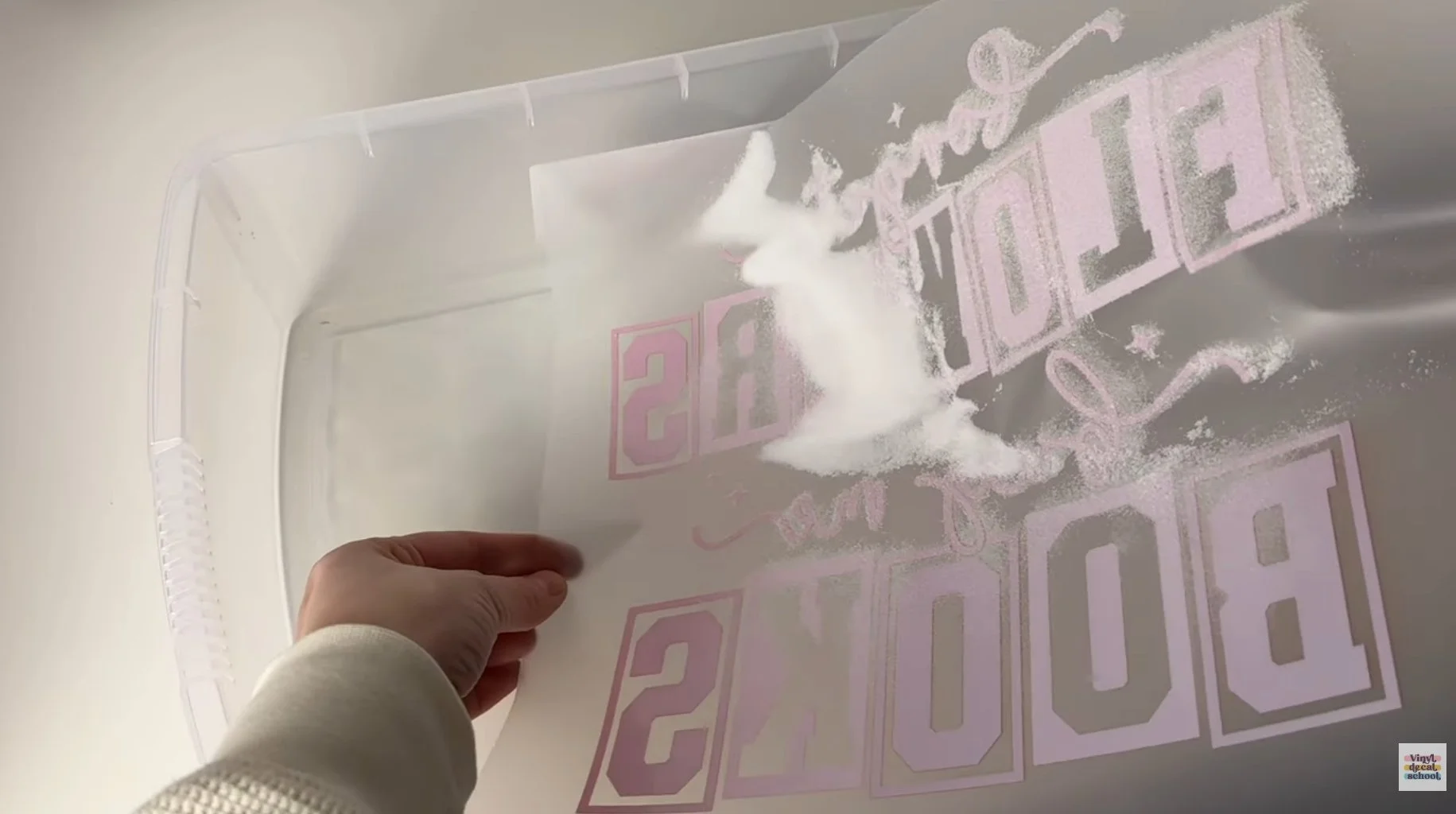
Quality Comparison
Side by side:
All versions look great
Printify’s tote pops slightly more due to a whiter base fabric
Overall quality is very similar
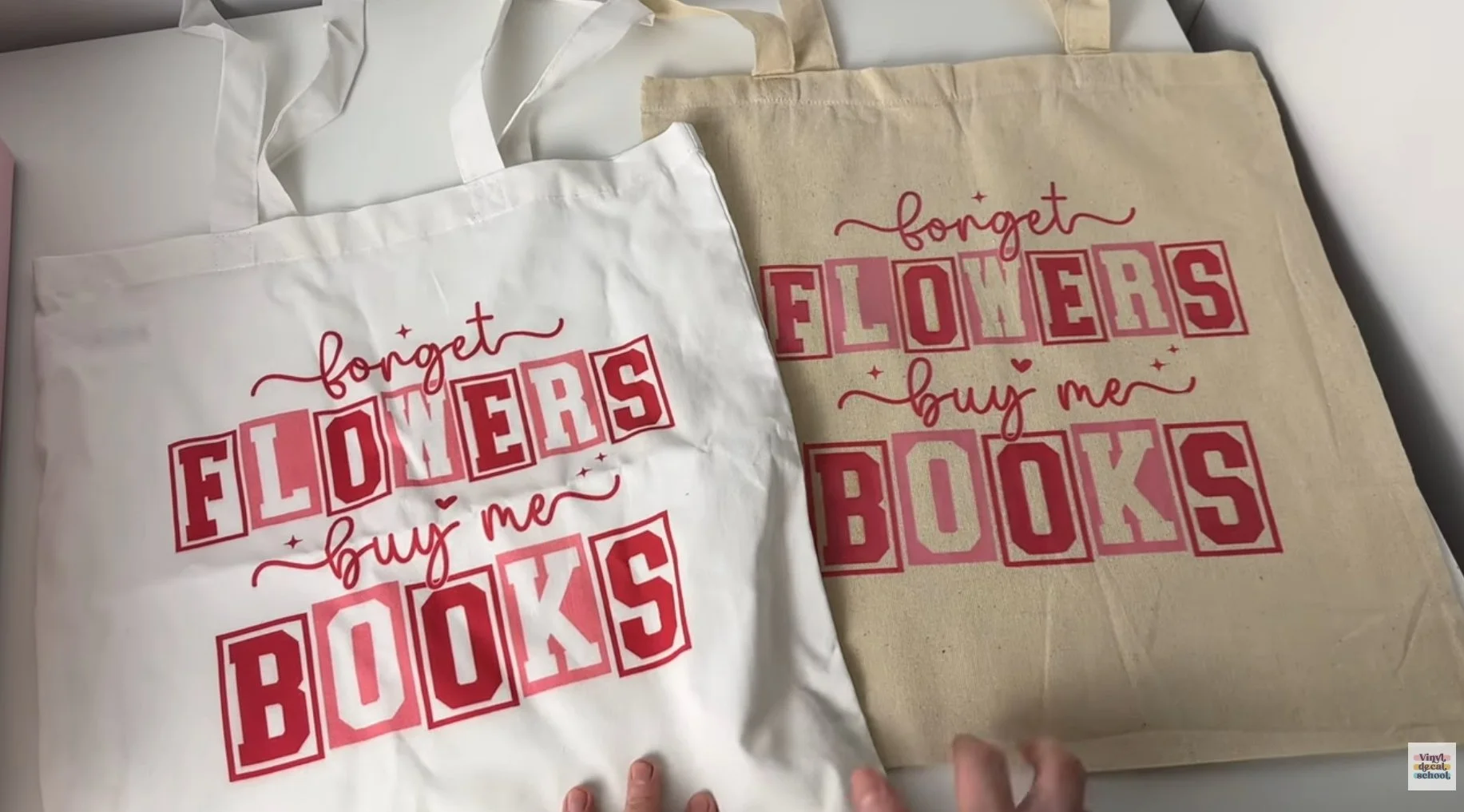
Comparison of finished tote bags
Cost Comparison
Print on Demand (via Printify)
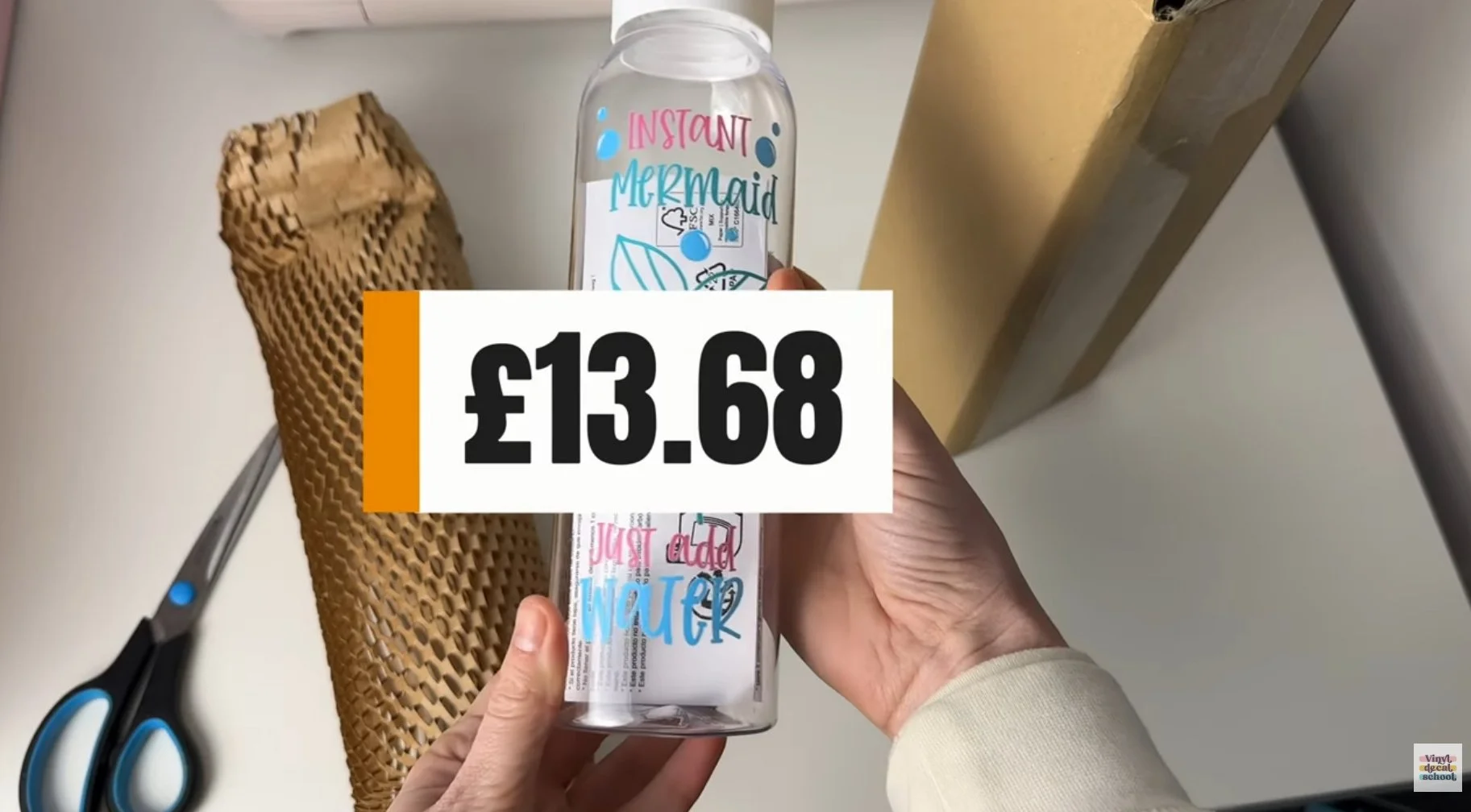
Bottle
Product: £8.05
Shipping: £3.35
VAT: £2.28
Total: £13.68
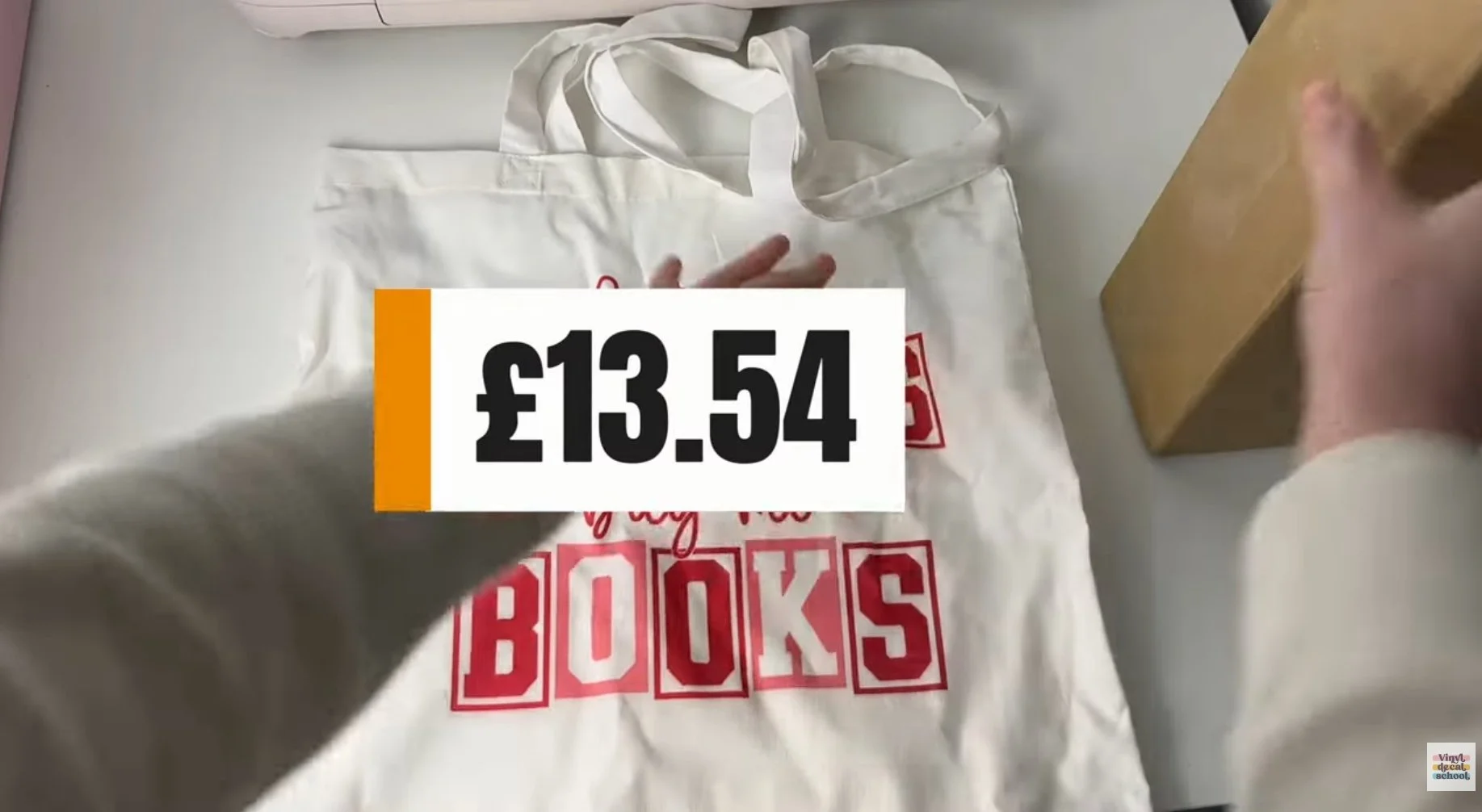
Tote Bag
Product: £8.69
Shipping: £2.60
VAT: £2.25
Total: £13.54
Total for both: £27.22
With Printify Premium, product costs drop significantly, improving profit margins. Shipping is usually passed to the customer.
Making In-House
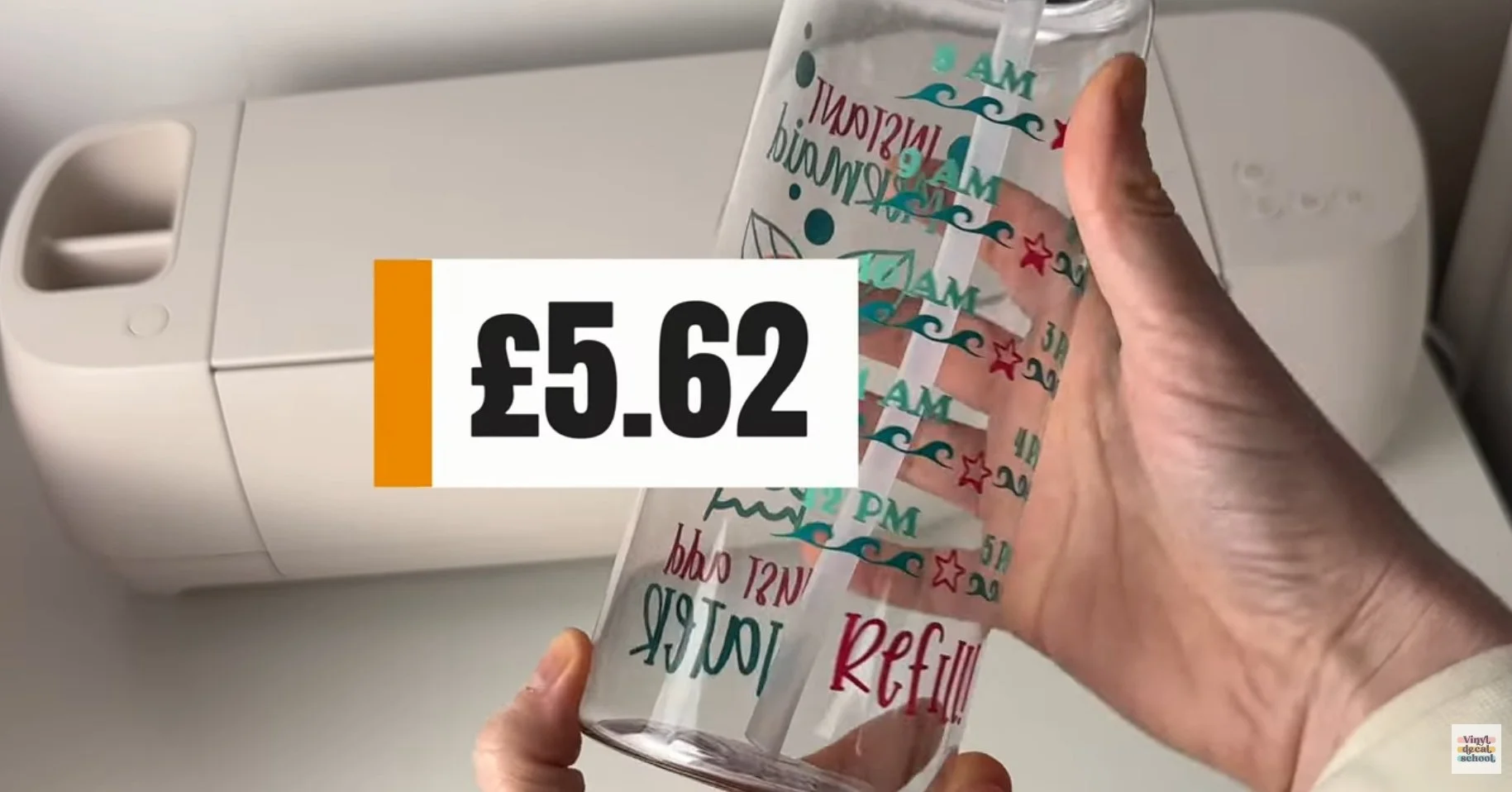
Cricut Bottle
Bottle blank: ~£3.50
Vinyl: ~£0.51
Transfer tape: ~£0.25
Packaging: ~£1.36
Approx total: £5.62
Very similar to POD if bottles aren’t purchased cheaply in bulk.
DTF Tote Bag
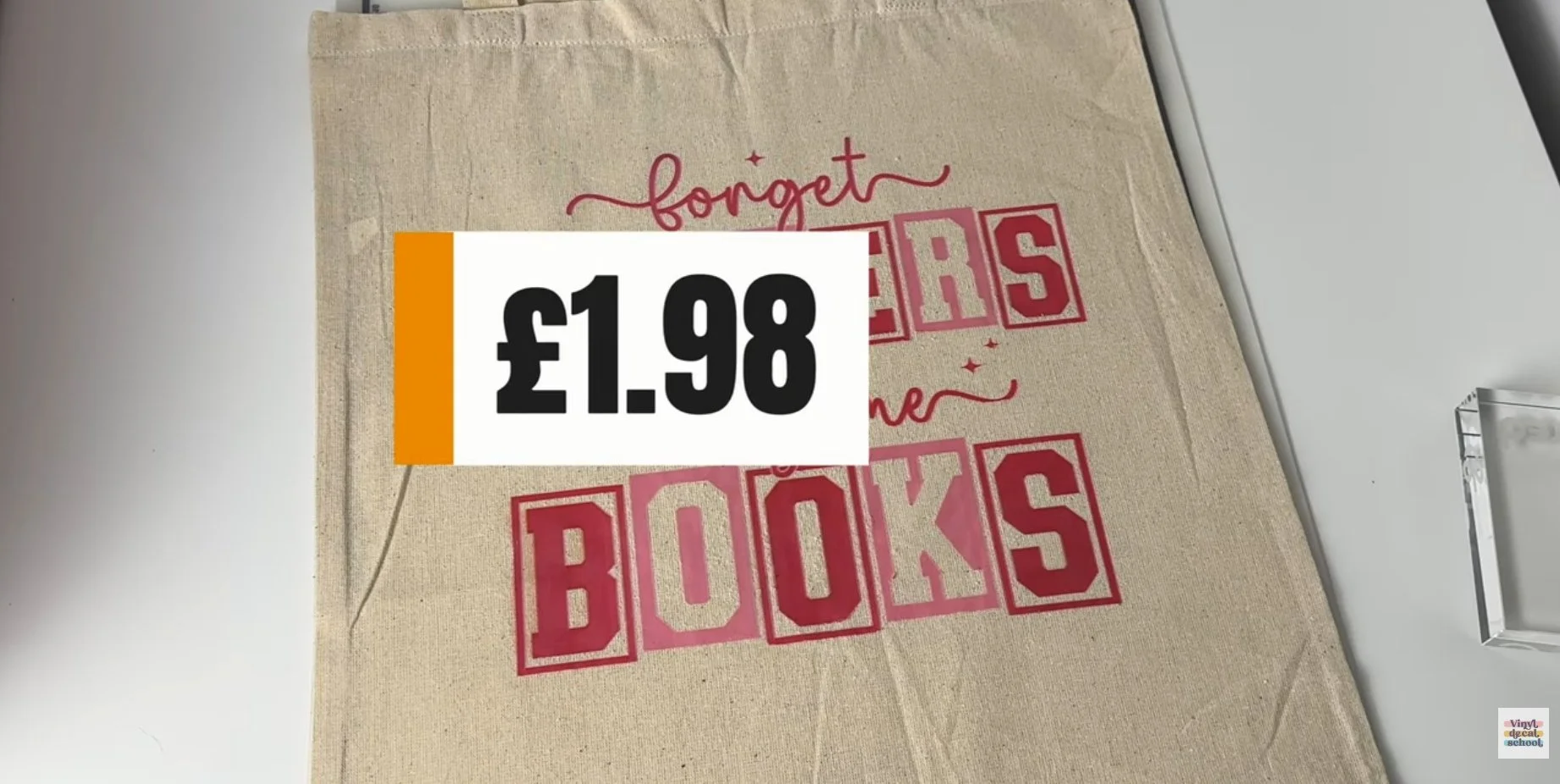
Tote blank: ~£1
Print + maintenance: ~£0.98
Approx total: £1.98
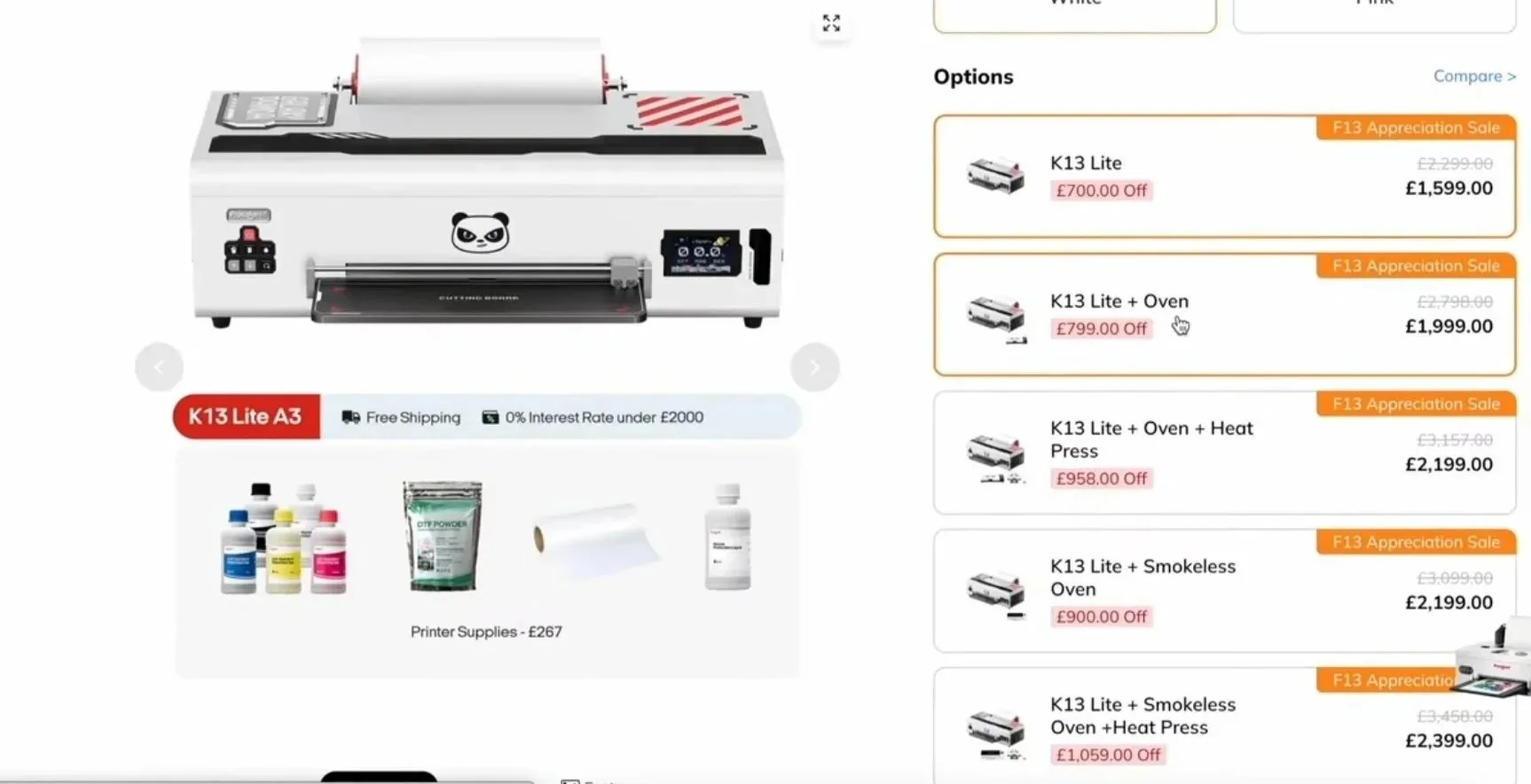
Extremely cheap per unit — but requires significant upfront investment.
Don’t Forget Labour & Overheads
No matter which method you choose, you must factor in:
Design time
Customer communication
Packaging & shipping
Website or Etsy fees
Subscriptions
Insurance
Accounting
Profit margin
Cheapest materials ≠ best business model.
Pros & Cons Summary
Print on Demand (Printify)
Pros
No upfront costs
No stock or storage
Automatic order fulfilment
Easy to scale
Great for large or bulky products
Cons
Less control over quality
Lower margins on some products
Personalisation requires manual input
Reliant on third-party suppliers
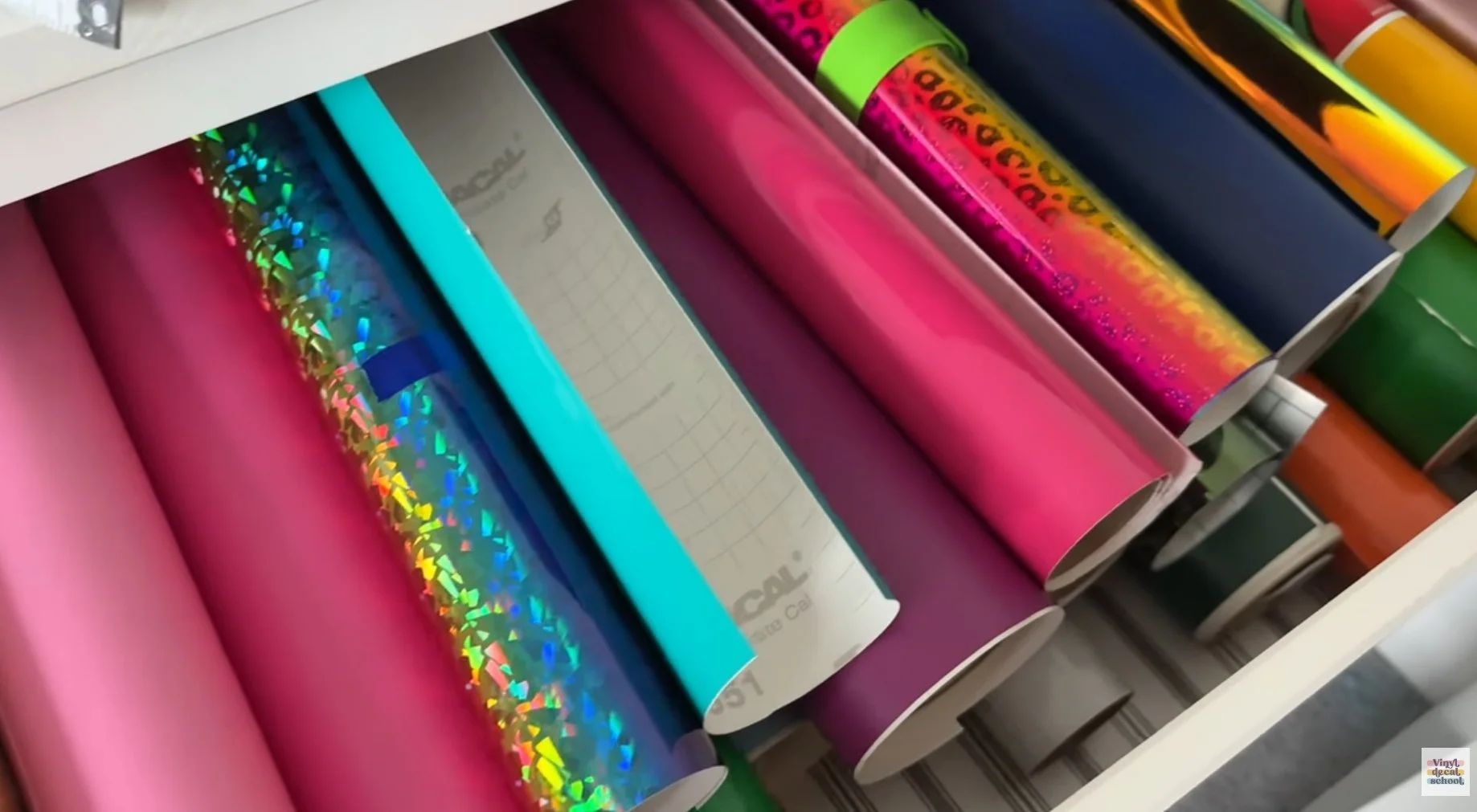
Cricut / Cutting Machines
Pros
Full creative control
Unlimited personalisation
Ideal if you enjoy crafting
Cons
High labour time
Storage required
Slower fulfilment
Upfront costs for equipment and materials
DTF Printing
Pros
Full-colour prints in house
Very low per-unit cost
Excellent profit margins
Cons
High upfront investment
Requires regular maintenance
More steps in production
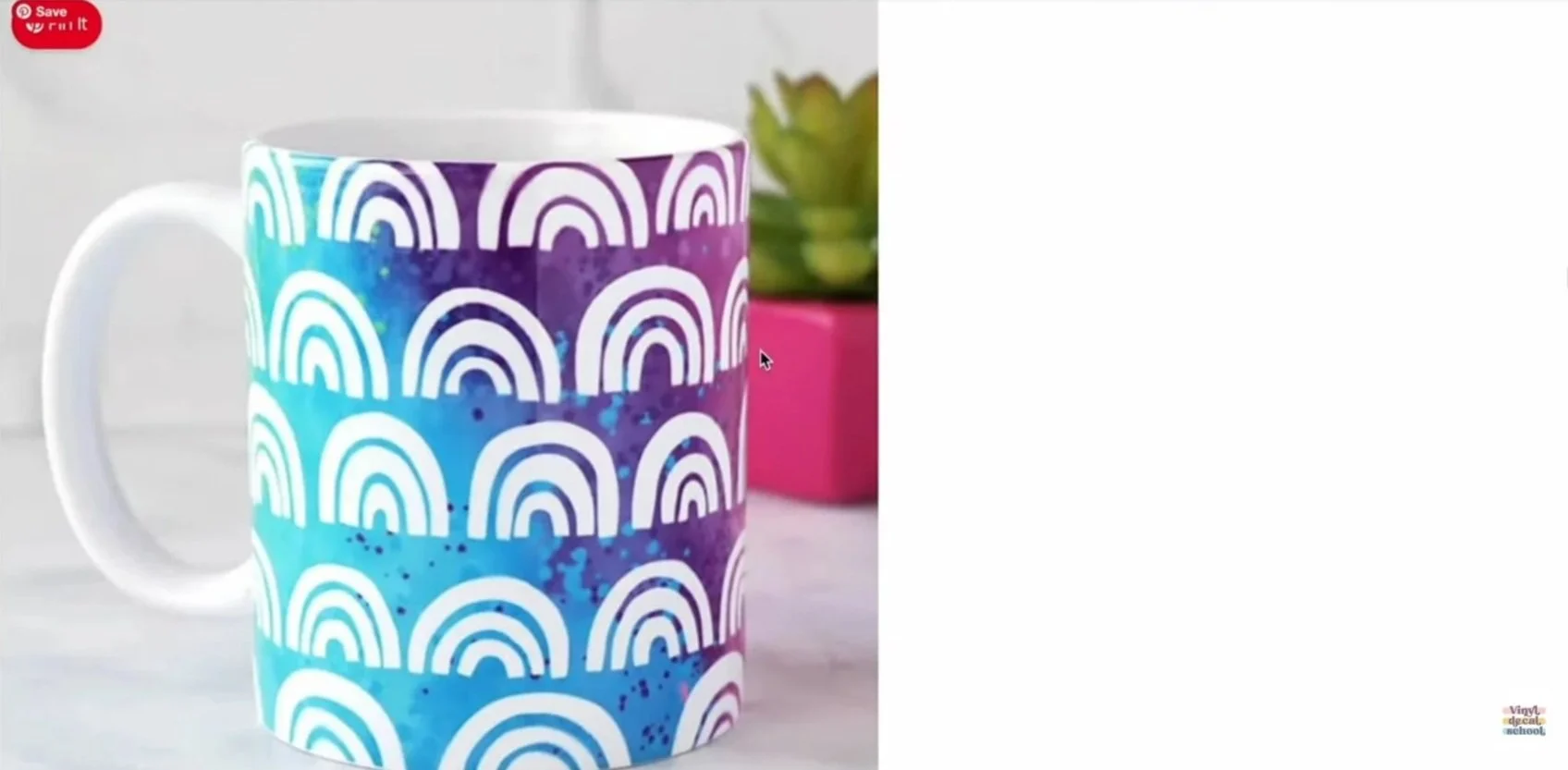
Sublimation
Pros
Full-colour printing
Cheaper equipment than DTF
Great for specific products
Cons
Limited to certain materials
Requires sublimation blanks
Not suitable for cotton
So… Which Is Best?
There’s no one-size-fits-all answer.
For many businesses, the best solution is a hybrid approach:
Print on demand for scalability and low risk
In-house production for high-margin or personalised items
The right choice depends on your goals, lifestyle, budget, and how hands-on you want your business to be.
If you have questions or want help choosing the best setup for your business, leave a comment - and happy crafting ✨