

Cricut vs Silhouette vs Siser Juliet: Best Cutting Machine for Stickers? (Full Print Then Cut Comparison)
If you’re looking to start making stickers, whether for fun, as a hobby, or for your sticker business, you’ve probably wondered:
👉 What is the best cutting machine for stickers?
The three most popular options are the Cricut Explore 4, the Silhouette Cameo 5, and the Siser Juliet.
All of them can handle print then cut stickers, but they each have strengths and weaknesses. Cricut often gets criticised for accuracy, while the Juliet doesn’t get much attention in the sticker-making community. That’s why I wanted to do a full comparison test of all three machines.
(If you’re brand new: cutting machines don’t actually print. They only cut. You’ll need a separate printer; I use a Canon Pixma, which works great for hobby crafts and stickers.)
Continue reading below, or take a look at my video comparison:
The content below contains affiliate links and we may earn a commission if you shop through them, however this won't cost you anything, it just helps us to keep the site running for free. For more information on affiliate links, see the disclosure here.
Best Sticker Design Software: Cricut, Silhouette or Siser?
Before you cut stickers, you have to design them. Each machine uses different software:
Cricut Design Space
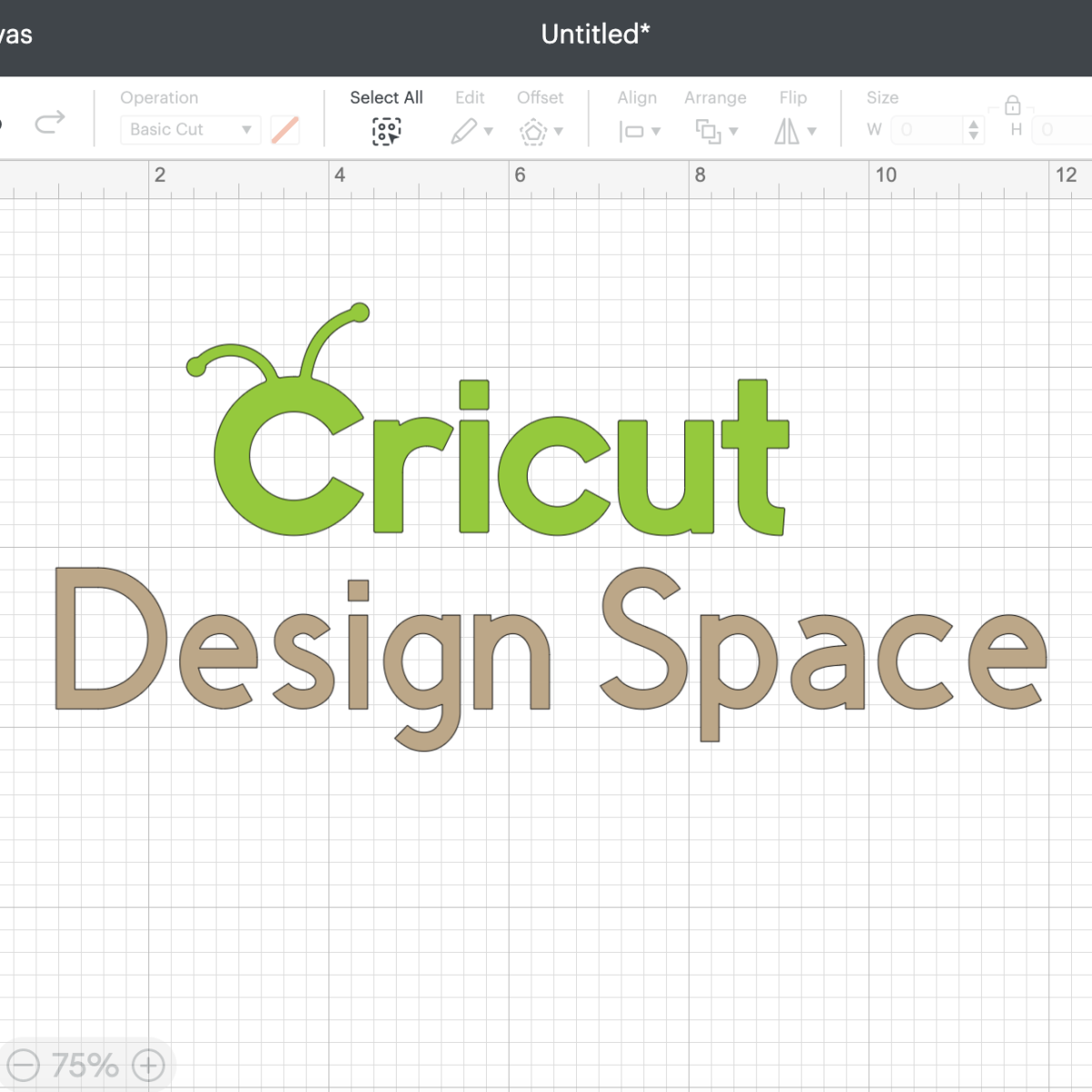
Upload a PNG design.
Use the sticker feature (with Cricut Access) to create either die cut (cuts through backing) or kiss cut (leaves backing intact).
Without Cricut Access, you’ll need to use Offset and Contour to add borders manually.
✅ Beginner-friendly, though it takes a few steps.
Silhouette Studio

Go to File > Merge and upload your design.
Add a border with Offset.
Use Release Compound Path to remove gaps.
No flattening required - just cut the outline.
✅ More technical than Cricut, but faster once you get the hang of it.
Siser Leonardo Design Studio
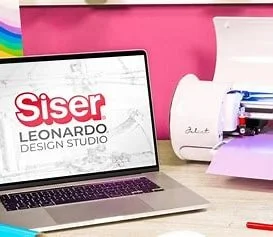
Import your design and select “print and cut image.”
Add offsets during upload or use Build Contours later.
✅ Simple enough, though the workflow feels a little different from Cricut and Silhouette.
Setting Up Sticker Sheets (A4/Letter Size)
To compare fairly, I designed 1.5–2 inch stickers on A4 sticker paper for each machine.
Cricut Explore 4 → Easy to maximize the print then cut area by stretching a template. I fit 15 stickers per page.
Silhouette Cameo 5 → Works with registration marks. Slightly trickier to align, but I also fit 15 stickers.
Siser Juliet → Flexible layout, red edge indicators stop you going out of bounds. Again, I fit 15 stickers, though smaller designs could squeeze in more.
👉 Surprisingly, all three machines fit about the same number of stickers per sheet at this size.
Print Then Cut Settings for Stickers
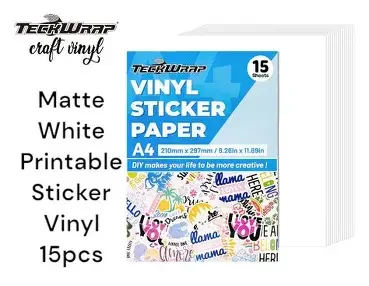
I tested all three machines with Teckwrap Matte White Vinyl Sticker Paper (perfect for print then cut stickers).
Cricut Explore 4 → Send to printer, turn bleed off, and adjust settings via system dialog. For kiss cut, I often use “sticky note.”
Silhouette Cameo 5 → Print directly from the software, then choose the “sticker paper white” preset.
Siser Juliet → Exported my design as PDF (Leonardo didn’t detect my printer). Cutting settings must be set on the machine itself, and a test cut is recommended.
Speed, Accuracy & Noise: Cricut vs Silhouette vs Juliet
Here’s how long each machine took to cut a full sticker sheet, plus the results:
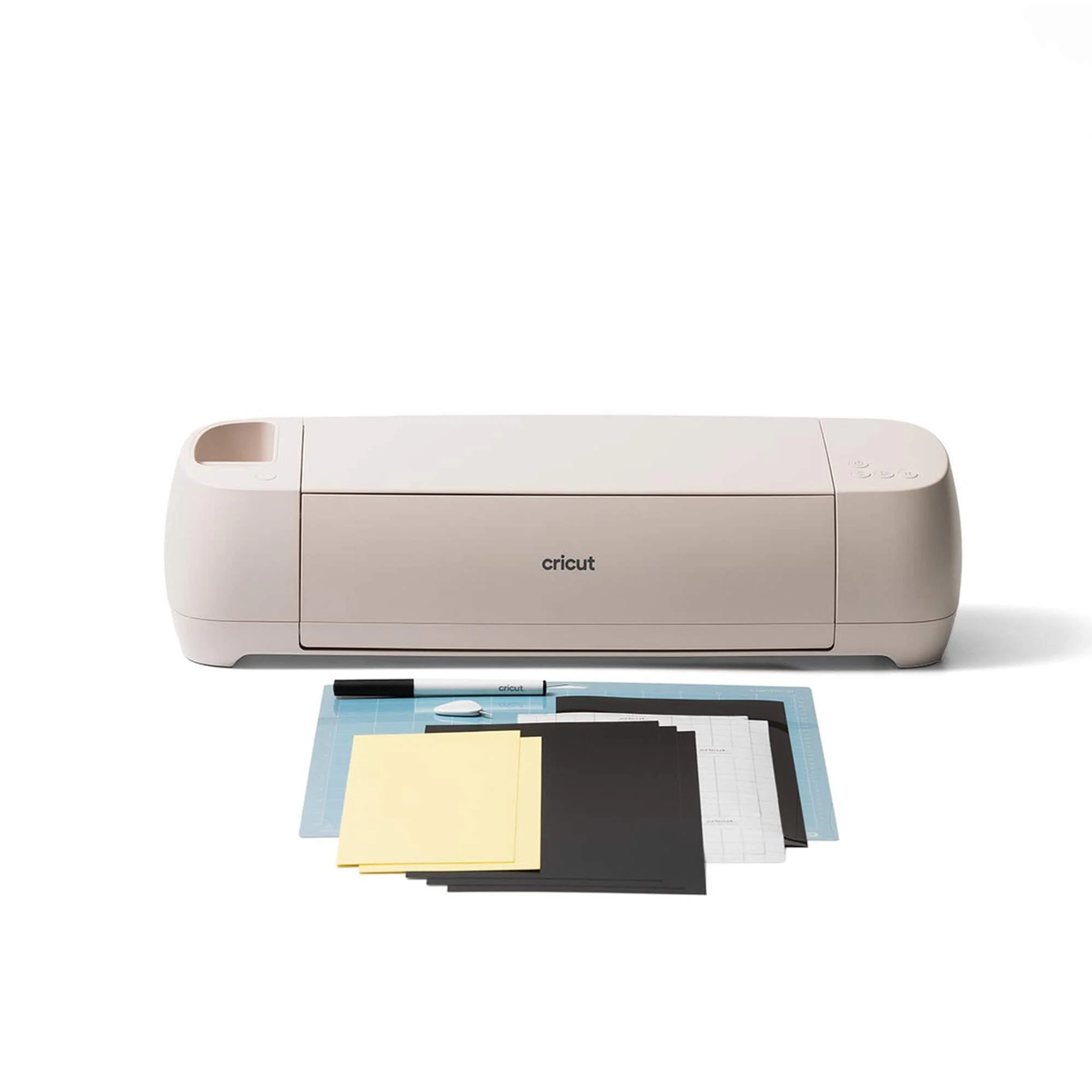
Cricut Explore 4
⏱ Time: 2:56
Cuts: Some cuts slightly into backing paper, but stickers peeled fine. Alignment decent.
Noise: Average Cricut clunking.
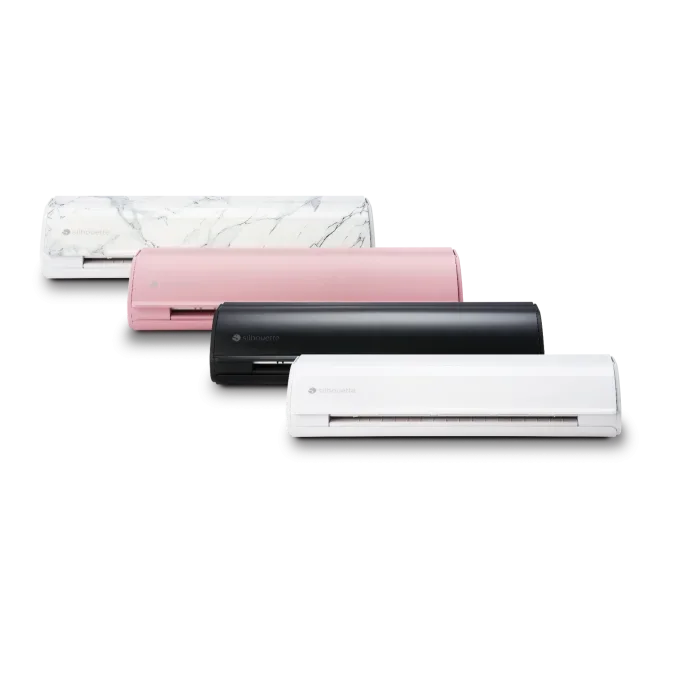
Silhouette Cameo 5
⏱ Time: 3:36
Cuts: Sharpest, cleanest cuts, no backing cut, perfect alignment, stickers peeled effortlessly.
Noise: Noticeable but not too loud.
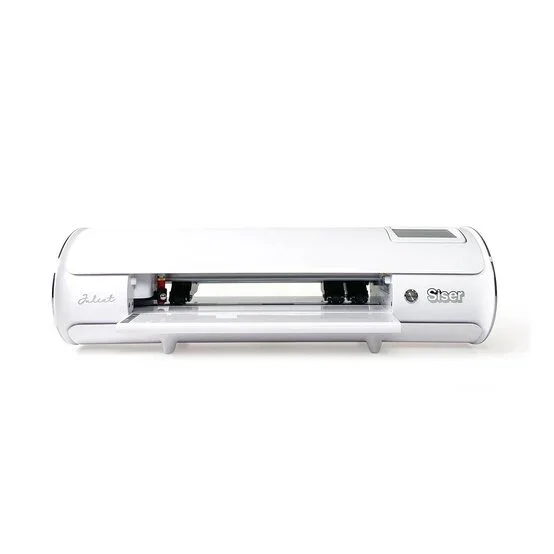
Siser Juliet
⏱ Time: 1:54 (fastest)
Cuts: Well aligned, peeled easily. Paper scrunched slightly when removing (user error).
Setup: More technical (camera alignment + mat feed), but efficient once mastered.
Best Cutting Machine for Stickers: Final Verdict
All three machines are great for making print then cut stickers, but they suit different people:
✨ Cricut Explore 4 → Best for beginners. Simple setup, intuitive software, and plenty of tutorials.
✨ Silhouette Cameo 5 → Best for precision. Cleanest cuts, reliable results, and quick design uploads.
✨ Siser Juliet → Best for sticker businesses. Fastest machine, solid alignment, and more efficient once you’ve learned the setup.
Which Machine Should You Buy for Stickers?
If you’re…
🎨 A hobby crafter → Go with Cricut.
✂️ Focused on professional-looking results → Silhouette wins.
📦 Running a small sticker shop → Juliet is your best bet.
💬 Which machine are you leaning towards, Cricut, Silhouette, or Siser Juliet? Drop your thoughts in the comments below!
And if you’d like more sticker-making tutorials and cutting machine comparisons, make sure to subscribe so you don’t miss the next guide.